CHAPTER 7 CHANNELS-ALERTS-ZONES 75
Channel
output
Alert
Extend
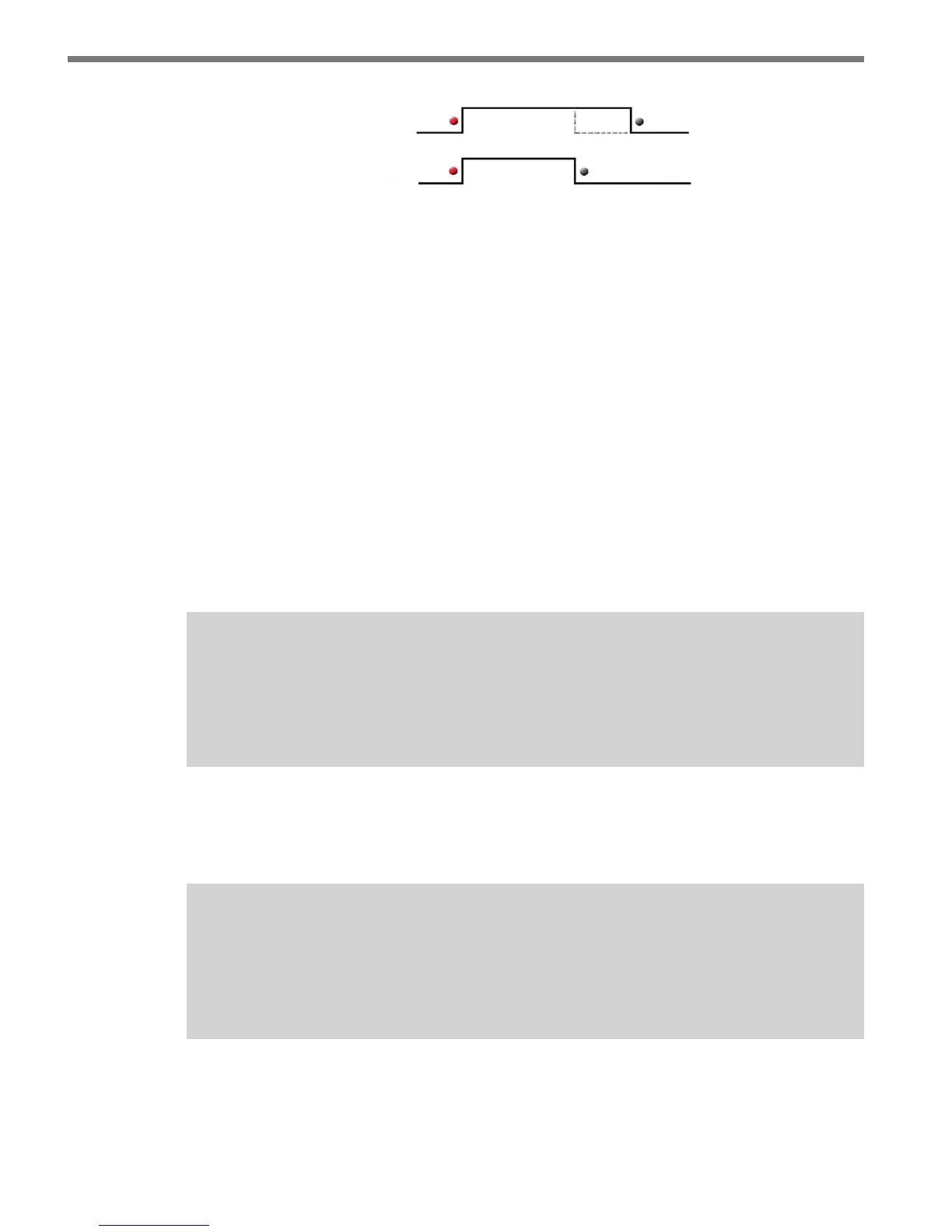
Figure 7.14 – Channel Extend
Max (s)
e channel Maximum Latch Timer is used to turn a latched channel o after it has ex-
isted continuously in a latched state for a specied period of time. e latch timer, labeled
Max (s), is available only when using latched channels and can be enabled/disabled by
checking/unchecking the checkbox next to the Max (s) label.
If enabled, the latch timer species how long a latched channel may operate continuously
in the latched state. In a case where the OFF condition was not detected, the latch timer
can be used to prevent a latched channel from remaining indenitely (and unintentionally)
in the ON state.
e latch timer can also be used to generate a latched output of specied duration. is
timed output can be achieved by dening the OFF alert to have a conguration that is not
likely (essentially impossible) to be activated.
Note
A latched channel may have its output activated indefinitely (even if the latch timer
is enabled), if the ON alert is never turned o or if it is repeatedly turned o and on
before the latch timer expires.
A latched channel with an impossible OFF alert could be used to drive an over-speed bea-
con or any other type of ancillary signal that is based on the activating of the ON alert and
whose indication has a xed duration.
Note
The extend period occurs after the latched condition is terminated. This means that
the output will remain activated, after the latch timer expires, for an additional pe-
riod of time (as specified by the extend setting).



 To Next Page