CHAPTER 8 VERIFY CHANNELS-ALERTS-ZONES 85
Outputs ON Color OFF Color Disabled Color
Channel Red
Gray Blank
Alert Red
Zone 1 Green
Zone 2 Blue
Zone 3 Yellow
Zone 4 Red
Table 8.1 – Right Sidebar Output Colors
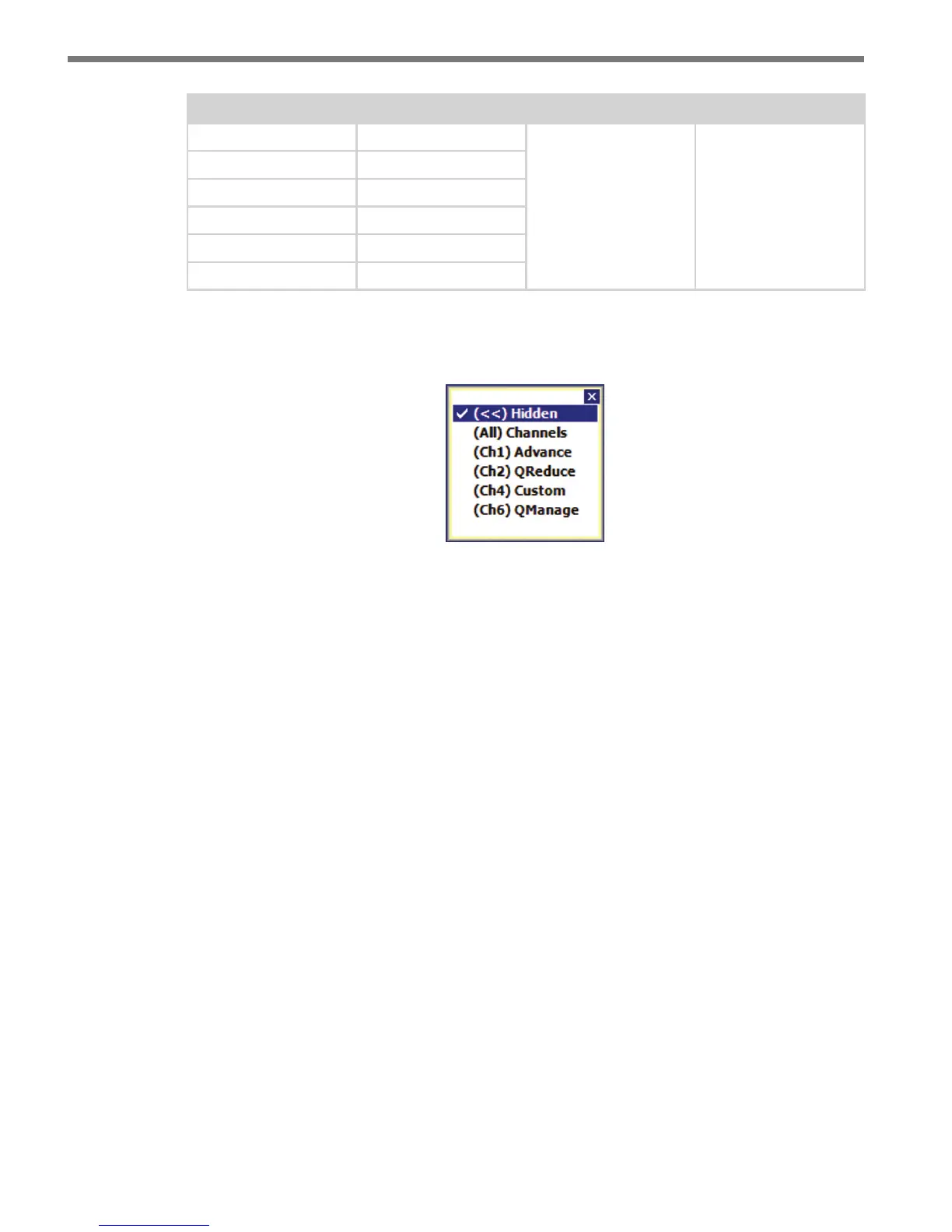
Click and hold the right sidebar display button to access the display mode list (see Figure 8.3).
Figure 8.3 – Right Sidebar Display Mode List
Hidden
e hidden view hides the right sidebar and is used to simplify the overall appearance of
the verication screen.
(All) Channels
e (All Channels) view shows an LED for each of the SmartSensor Advance’s eight
channel outputs. e channel outputs are transmitted to a contact closure device, which in
turn generates an appropriate signal on the corresponding contact closure output channels.
e channel LED is colored red when a given channel’s output is activated. e channel
LEDs also show the eects of the channel’s delay and extend settings.
To identify which detections are aecting the channel’s output, click on the channel output
you want to identify (see Figure 8.4). If a detection meets the selected channel’s alert and
zone lter settings, the tracker will be highlighted light blue.



 To Next Page