86 CHAPTER 8 VERIFY CHANNELS-ALERTS-ZONES
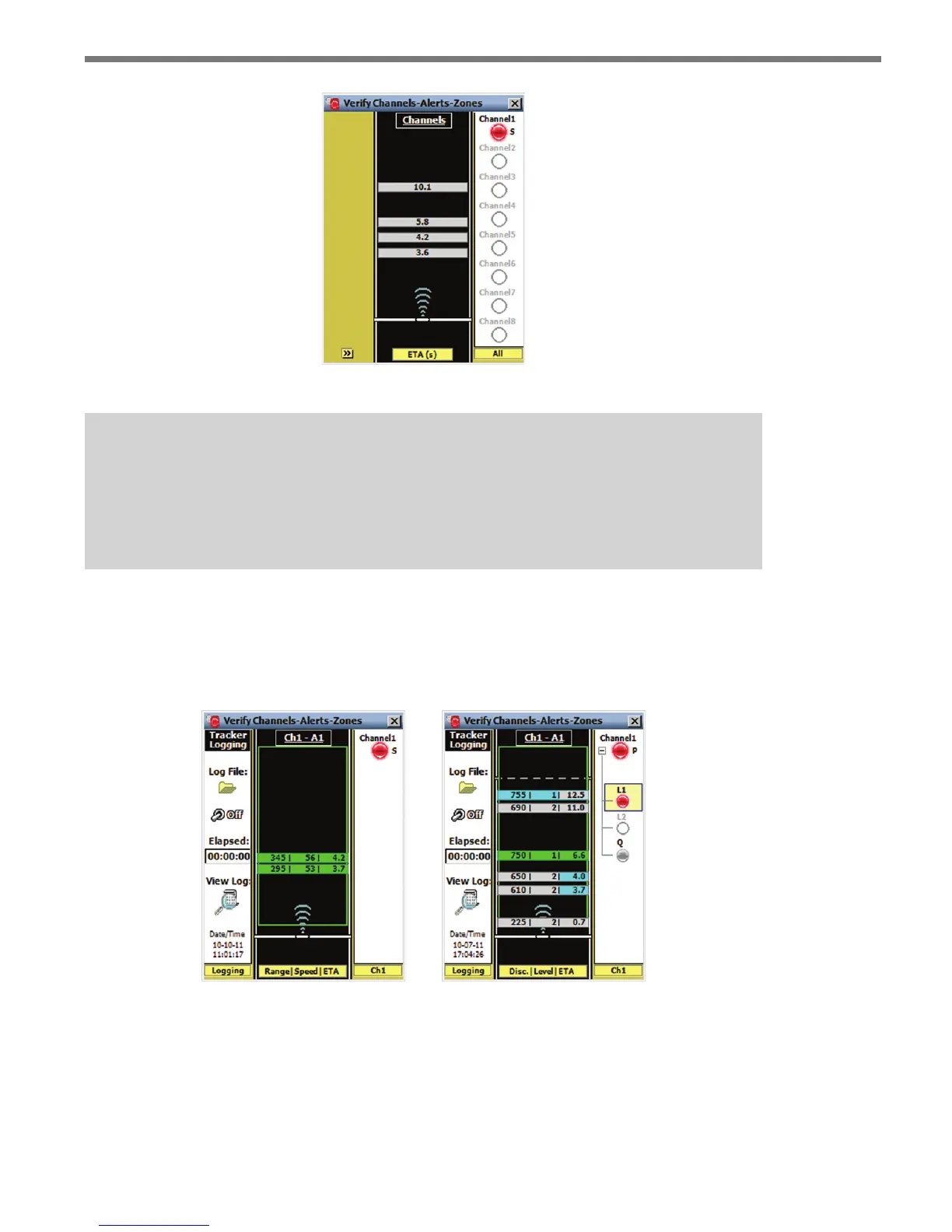
Figure 8.4 – All Channels Mode
Tip
Click and hold on a channel LED to open the individual channel summary screen. The
channel summary screen shows the channel type, delay and extend settings and all
enabled alerts for that channel.
Individual Channel
e individual channel view allows you to see the CAZ elements dened for a given chan-
nel (see Figure 8.5).
Figure 8.5 – Individual Channel View (Simple Channel) for Advance (left)
and Priority Channel for Advance Extended Range (right)



 To Next Page