90 CHAPTER 8 VERIFY CHANNELS-ALERTS-ZONES
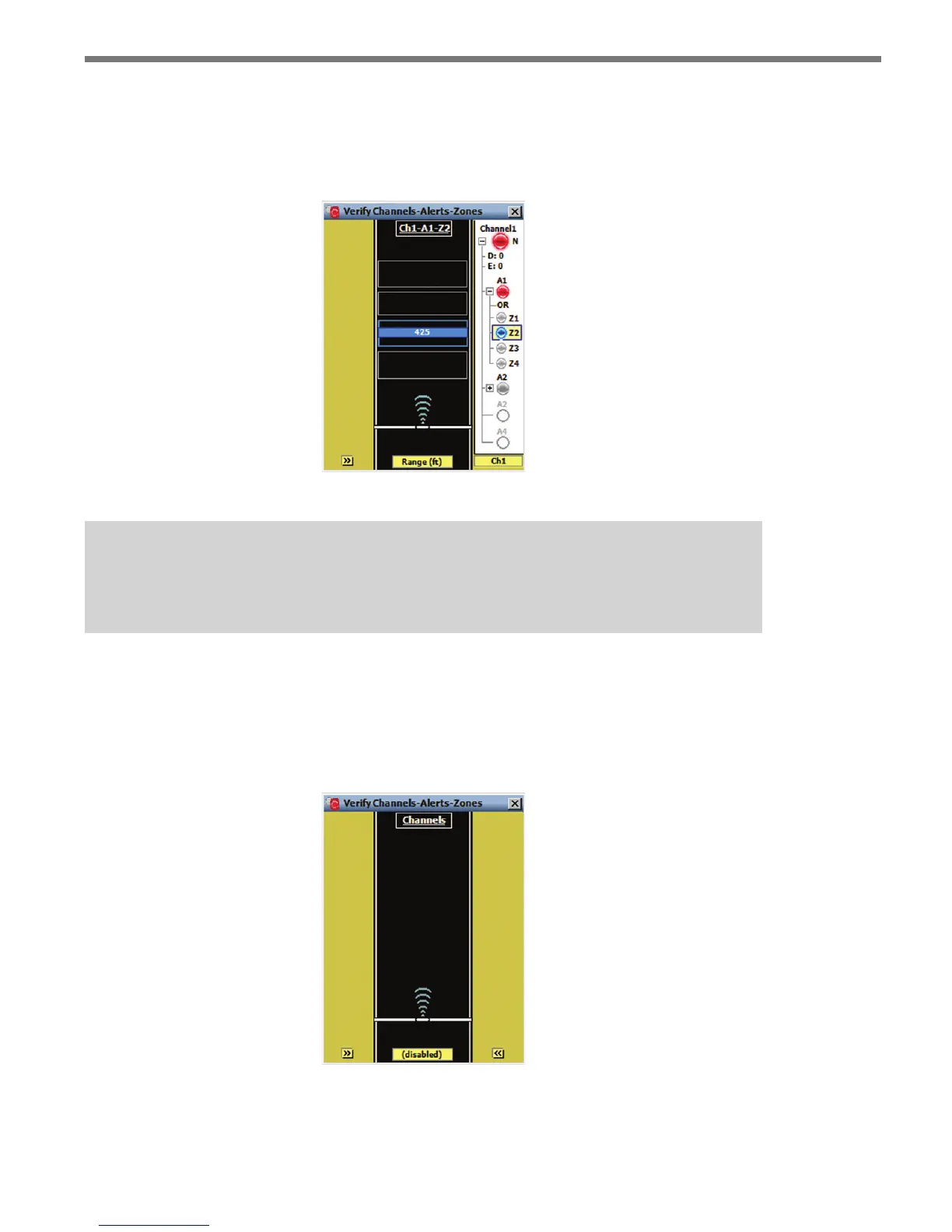
When an alert is selected, the alert’s enabled zones are displayed on the roadway. e other
enabled zones in the corresponding alert are shown as gray rectangles (see Figure 8.10).
When a zone’s detection qualication requirements are met (or NOT met, if the zone out-
put is being inverted), the corresponding zone LED is colored its corresponding zone color.
Figure 8.10 – Zone Highlighting
Note
Tracker highlight behavior is determined by the selected roadway display mode.
Roadway Display
e roadway display is used to show trackers and their relationship with detection zones
(see Figure 8.11).
Figure 8.11 – Roadway Display
e area between the sensor icon and the top part of the roadway display represents the



 To Next Page