CHAPTER 8 VERIFY CHANNELS-ALERTS-ZONES 91
sensor’s maximum detection range. e sensor icon is always displayed at the bottom of the
roadway and points towards the top of the screen. Sensor detections (trackers) are displayed
on the roadway in relation to their distance from the stop bar.
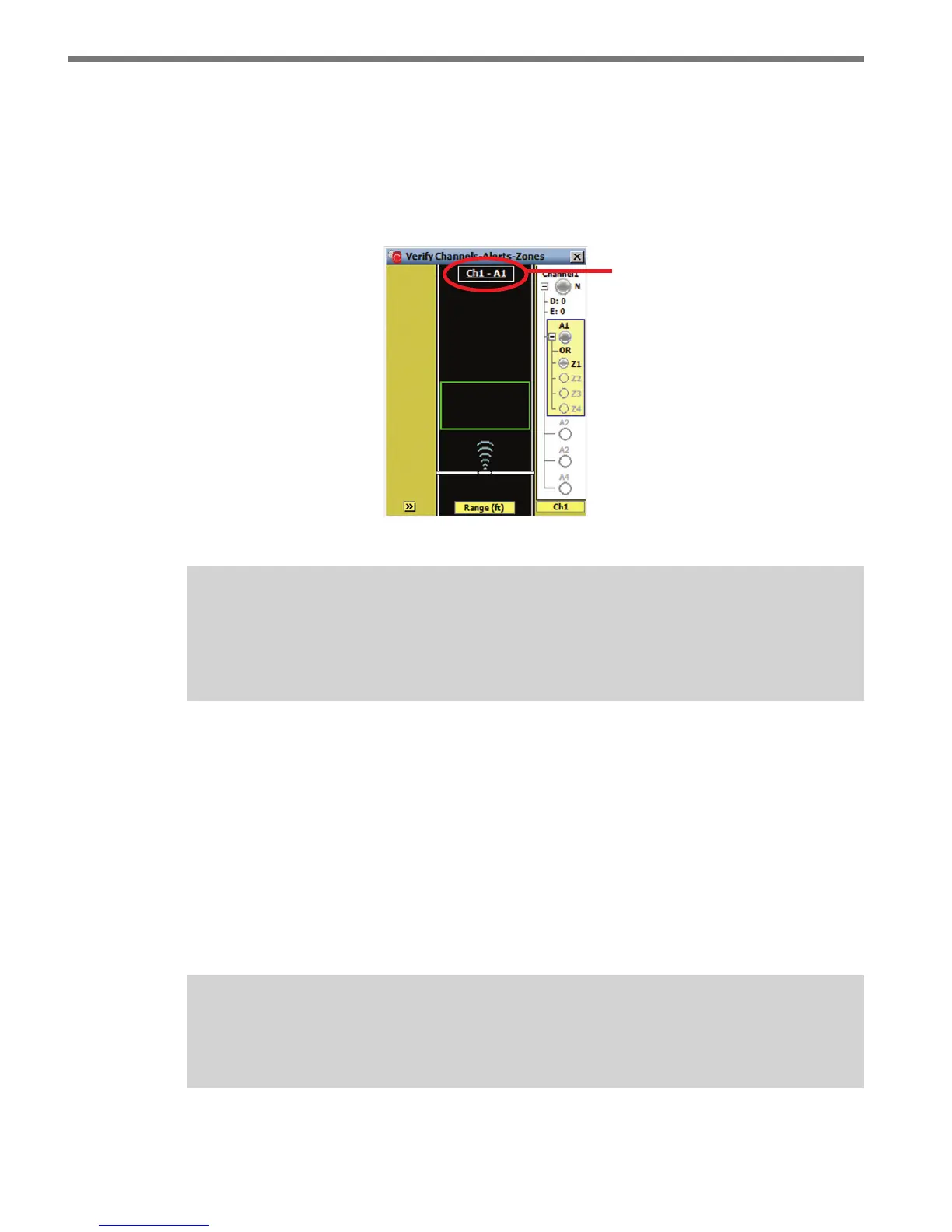
e CAZ selection display is located on the top of the roadway and contains the currently
selected channel, alert and zone (see Figure 8.12).
CAZ
selection
display
Figure 8.12 – Name and Range Labels
Note
Clicking on the CAZ selection display opens the CAZ Setup screen, with the tab for
the current channel selected.
e stop bar icon represents placement of the sensor relative to the approach’s stop bar. A
stop bar label showing the relative location of the stop bar will be displayed whenever the
stop bar is not on the screen.
Click on an alert or zone in the right sidebar to display the corresponding zone(s) in the
roadway. Clicking inside a zone rectangle will turn on the name and range labels for the
selected zone; click anywhere outside of the zone to turn range labels o.
Various types of detection-related data can be displayed on the tracker on the roadway. e
roadway display button is used to select the type of information displayed on the trackers.
Note
Trackers are always colored gray unless a highlight is being applied.



 To Next Page