11
3.3 Buttons and control
Button Control and function
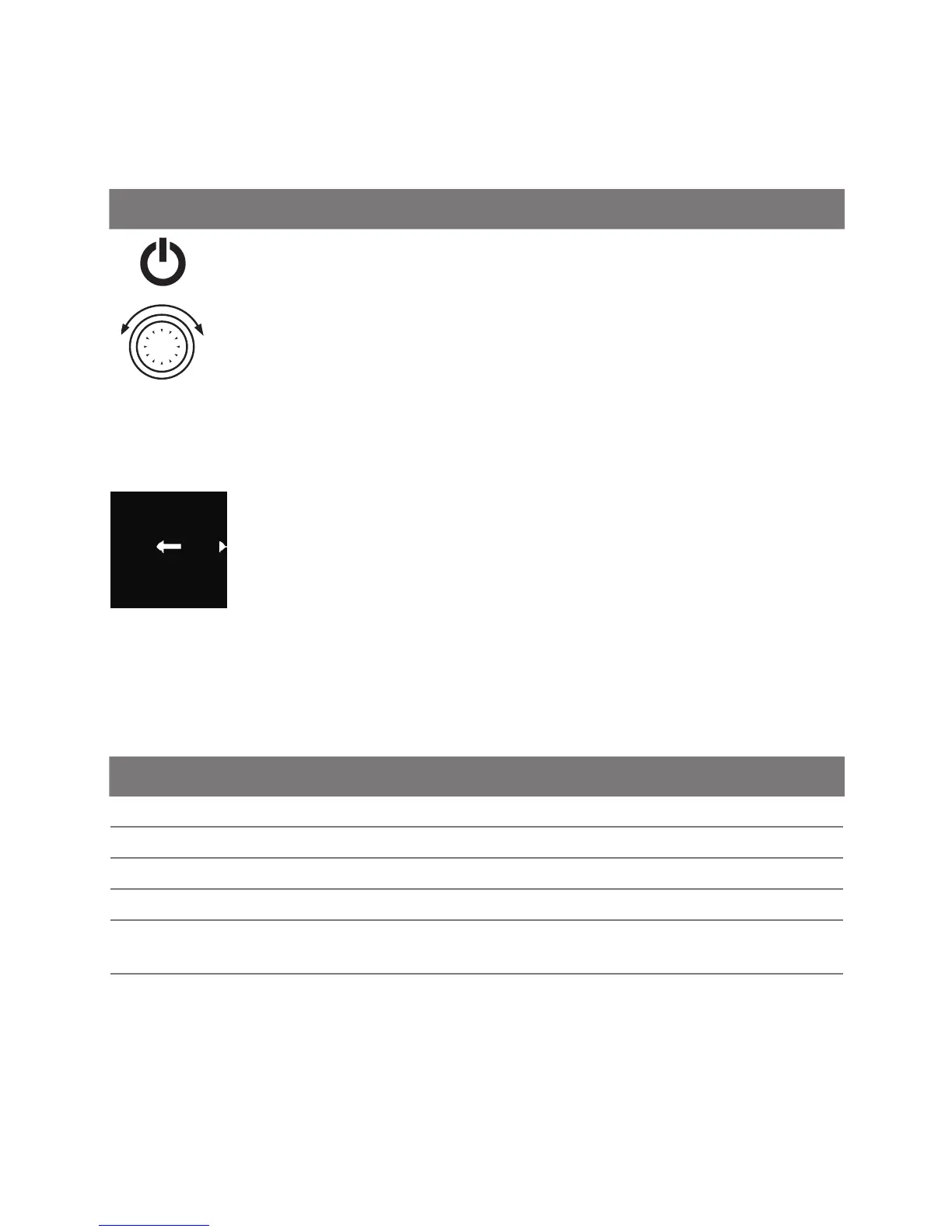
Quick start button with status display (backlight)
Control knob (turn/push button) for selection and confirmation of the selected
functions.
3.3.1 Back-function
Back
By means of back-function one can always leave the chosen
menu and go to the previous menu level.
3.4 Status display
Status of the heater is indicated by means of the colour backlight of the quick
start button.
Status LED backlight
Heating mode GREEN permanent
Ventilation mode BLUE permanent
Switched off heater-control element is activated WHITE permanent
Error-no heating mode RED flashing
Preprogrammed heating mode- control element in stand-by
mode*
GREEN flashing
Preprogrammed ventilation mode- control element in
stand-by mode*
WHITE flashing
* If a user does not make any entry by means of the control element for 60
seconds and the heater is switched off then the control element will go into the
stand-by mode (display and LED are switched off).



 To Next Page