35
Press the control knob in order to confirm
selection.
Numbering of timers is established according
to programming sequence. Activated time setting
is marked by white bars. “T” symbol appears in the
main menu. Quick start button flashes green when
timer together with heating is active but the display
is off.
Quick start button flashes blue when timer together
with ventilation is active but the display is off.
4.9.2 Deactivation, editing and removal of the programmed timer
3
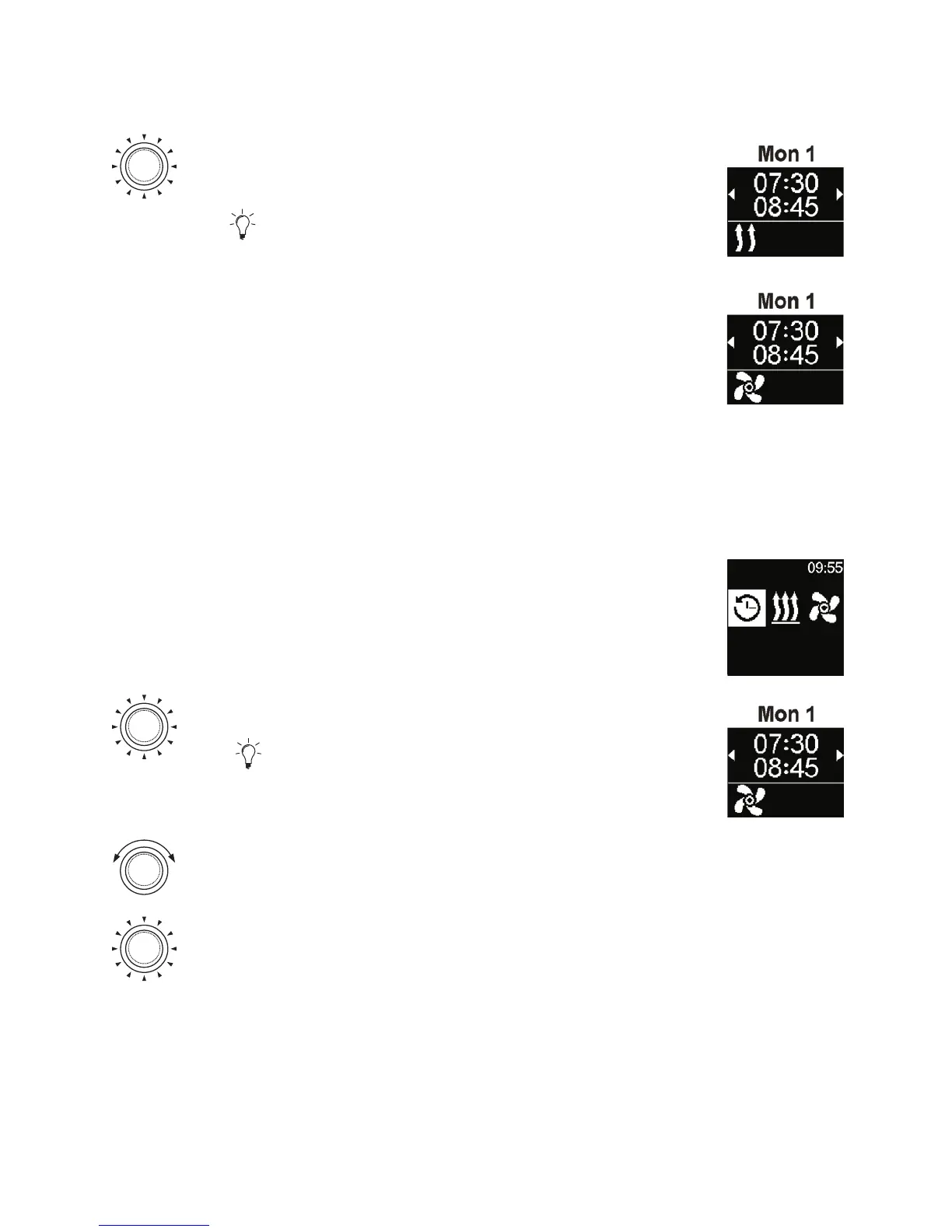
“Timer” symbol has been selected in the main menu.
Timers
Press the control knob.
Stored timers appear in the display. Timers are
arranged in chronological order according to days/
hours. Next active timer is displayed as the first one.
Turn the control knob in order to choose the
desired “Timer”.
Press the control knob in order to confirm
selection.



 To Next Page