50
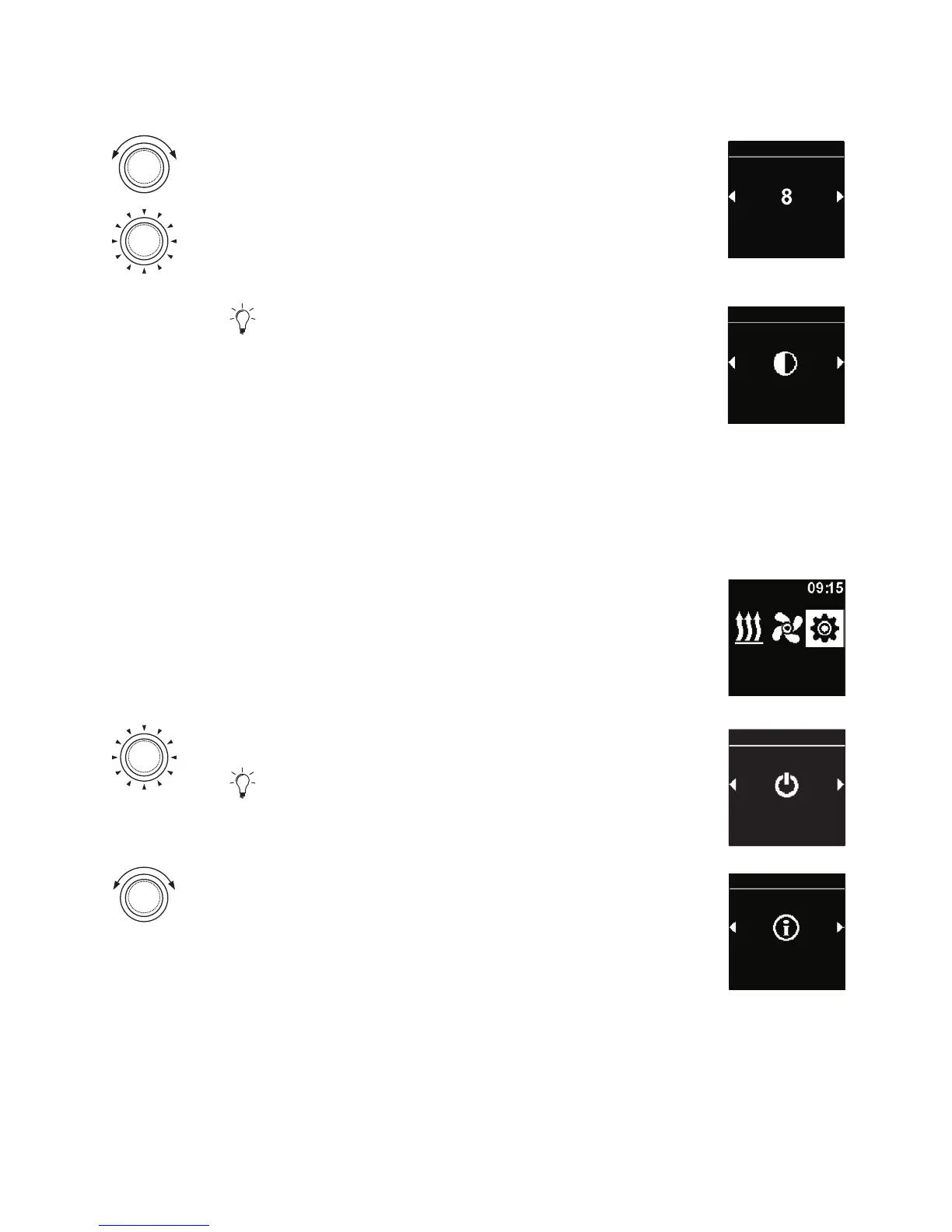
Turn the control knob in order to choose the
desired brightness level ”night”.
Press the control knob in order to confirm
selection.
Brightness
(Night)
Settings
“Day/night” brightness level appears in the
display. The selected values have been saved.
Day/night illumination is activated.
Day/Night
Settings
4.20 Displaying the system information
There are data in the system information regarding software status and control
element status and the name of the connected heater.
3
“Settings” symbol has been selected in the main menu.
Settings
Press the control knob.
“Quick start” symbol is shown in the display.
Quick start
Settings
Turn the control knob in order to choose the
desired “System information” symbol.
System
information
Settings



 To Next Page