36
Turn the control knob in order to choose
operation (activate/deactivate/edit/delete).
Deactivate
Timers
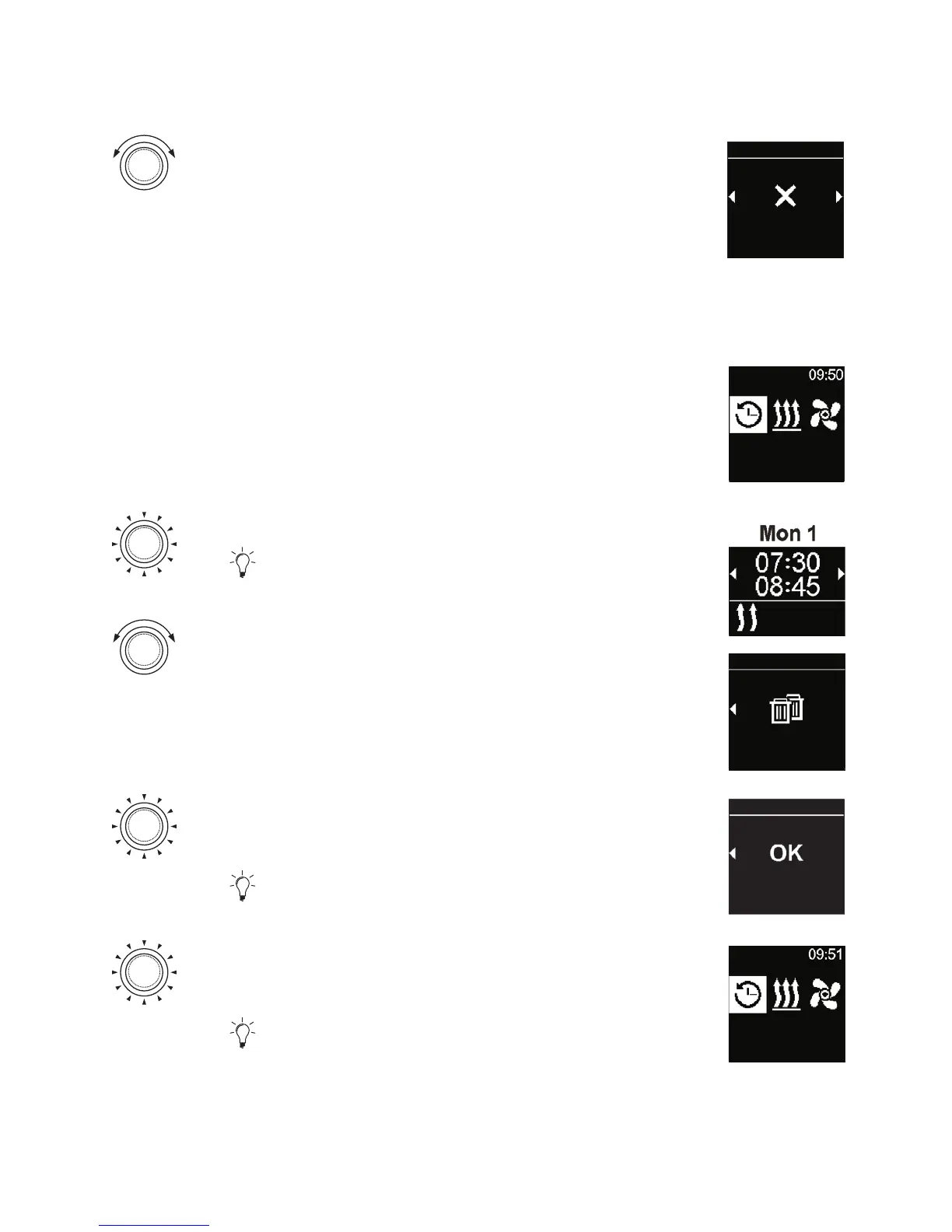
4.9.3 Removing all programmed timers
3
“Timer” symbol has been selected in the main menu.
Timers
Press the control knob.
The stored timers appear in the display.
Turn the control knob clockwise until “Delete
all” message is shown in the display.
Delete all
Timers
Press the control knob in order to confirm
selection.
“OK” is shown in the display.
Delete all
Timers
Press the control knob in order to confirm
selection.
All programmed timers have been removed.
The main menu is shown in the display.
Timers



 To Next Page