14
4.1 Start display after switching on
The following information about the connected heater and control
element is shown in the start display:
■
Name of the connected control element
■
Name of the connected heater
■
Software version of the connected control element
■
Hardware version of the connected control element
The view returns to the main menu after 1.5 seconds.
50 Eco
MultiControl
ThermoPro
SW: 1.2.2
4.2 Air heaters
4.3 Heating set-up
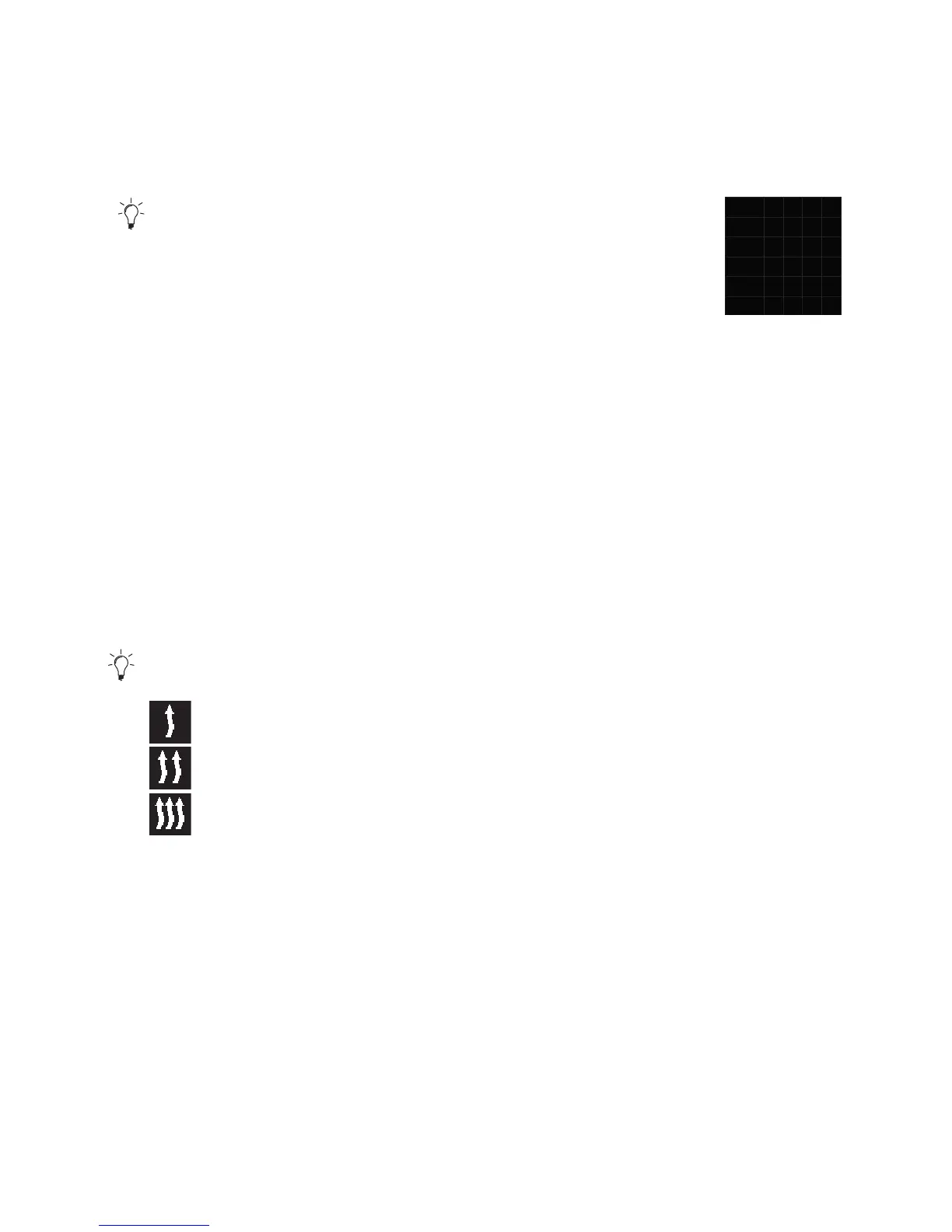
Three heating modes* can be selected:
Eco (energy saving mode)
Normal (comfort heating)
Boost (rapid heating)
They differ in terms of energy consumption and time during which the set tem-
perature is reached. Eco heating programme needs the least energy. However, it
takes more time to reach the set temperature.
* depending on the installed heater.
4.3.1 Switching on the heater by means of quick start button
“Quick start” function enables heating or ventilation by simply pressing the but-
ton. In heating mode one can preset heating mode, temperature, operating time.
Instruction manual and description of the settings can be found in the chapter
“Setting the quick start”.



 To Next Page