45
Turn the control knob in order to choose
the desired “Language” symbol.
Press the control knob in order to confirm
selection.
Language
Settings
Turn the control knob in order to choose the
desired “language”.
Press the control knob in order to confirm
selection.
Language
Settings
English
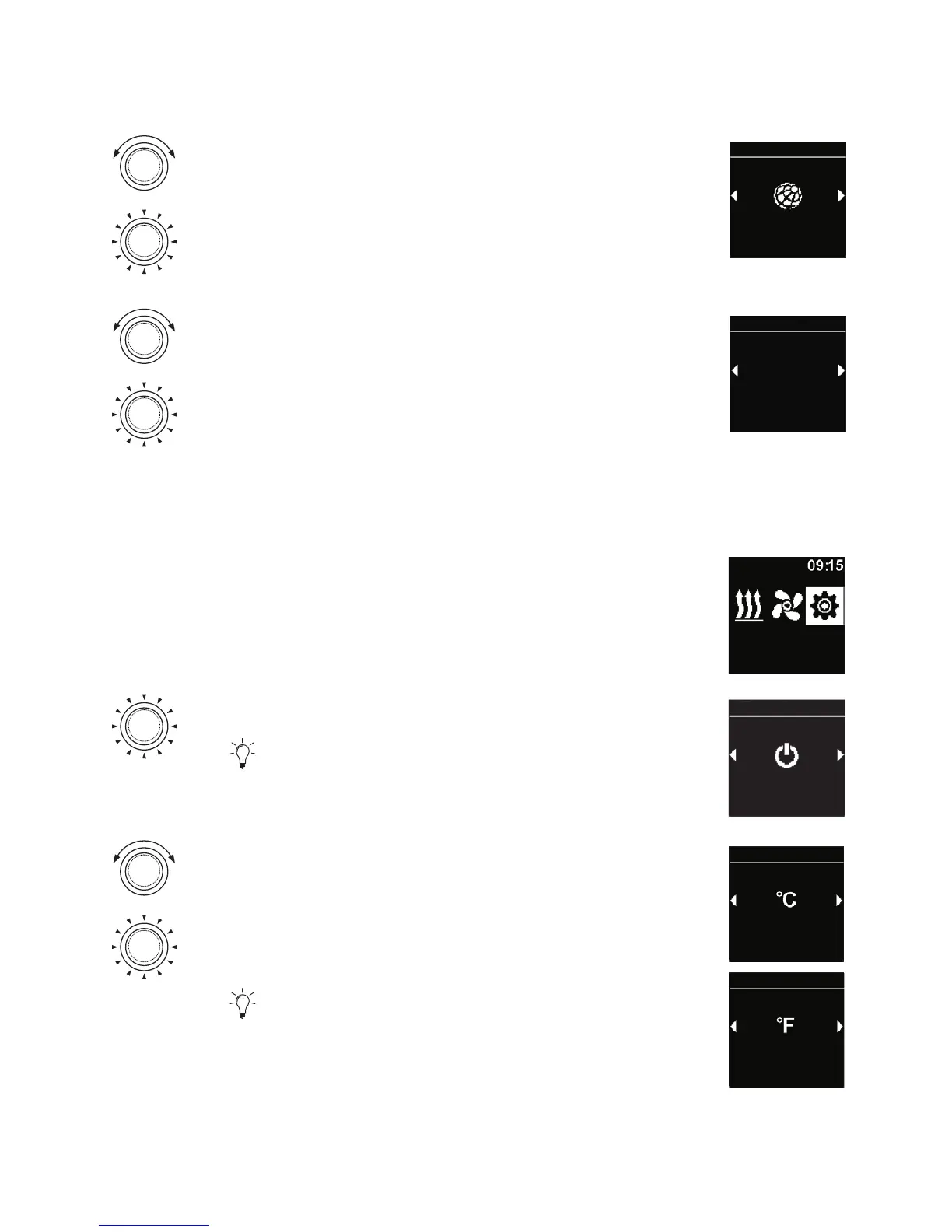
4.16 Setting the temperature unit
3
“Settings” symbol has been selected in the main menu.
Settings
Press the control knob.
“Quick start” symbol is shown in the display.
Quick start
Settings
Turn the control knob in order to choose the
desired “Units” symbol.
Press the control knob in order to choose the
temperature unit.
This setting is taken over without confirmation.
Units
Settings
Units
Settings



 To Next Page