47
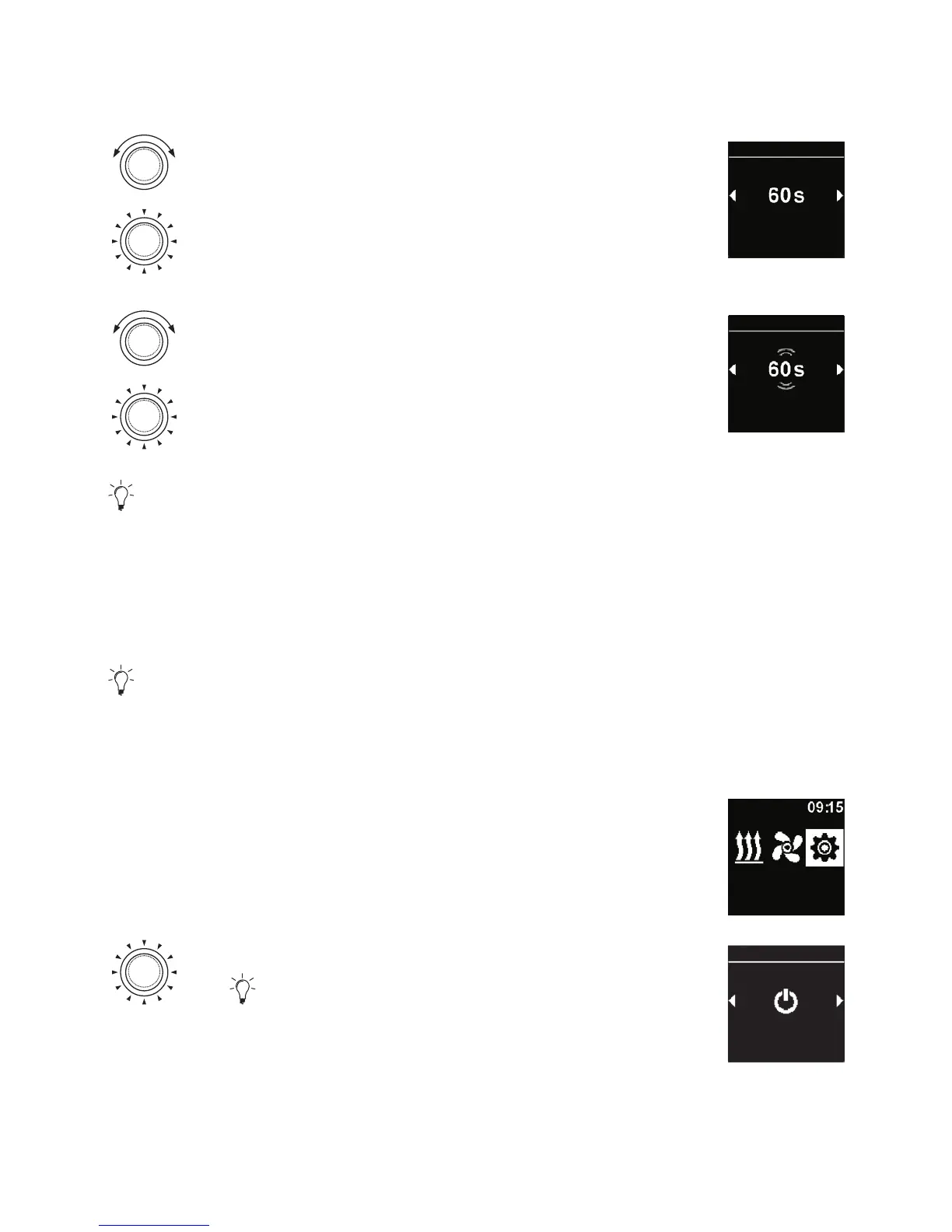
Turn the control knob in order to choose the
desired “Screen timeout” symbol.
Press the control knob in order to confirm
selection.
Screen timeout
Settings
Turn the control knob in order to choose
the desired time or “Auto” mode.
Press the control knob in order to confirm
selection.
Day/Night
Settings
After selecting „Auto” mode the screen does not switch off during active
heating/ventilation. If no heater is active then while setting “Auto” the screen
switches off after 10 seconds.
4.19 Setting day/night illumination
In the case of the screen illumination you can select between the day and
night illumination. If „Off” option is selected then the general setting of brightness
level is activated with no distinction between the day and night.
3
“Settings” symbol has been selected in the main menu.
Settings
Press the control knob.
“Quick start” symbol is shown in the display.
Quick start
Settings



 To Next Page