49
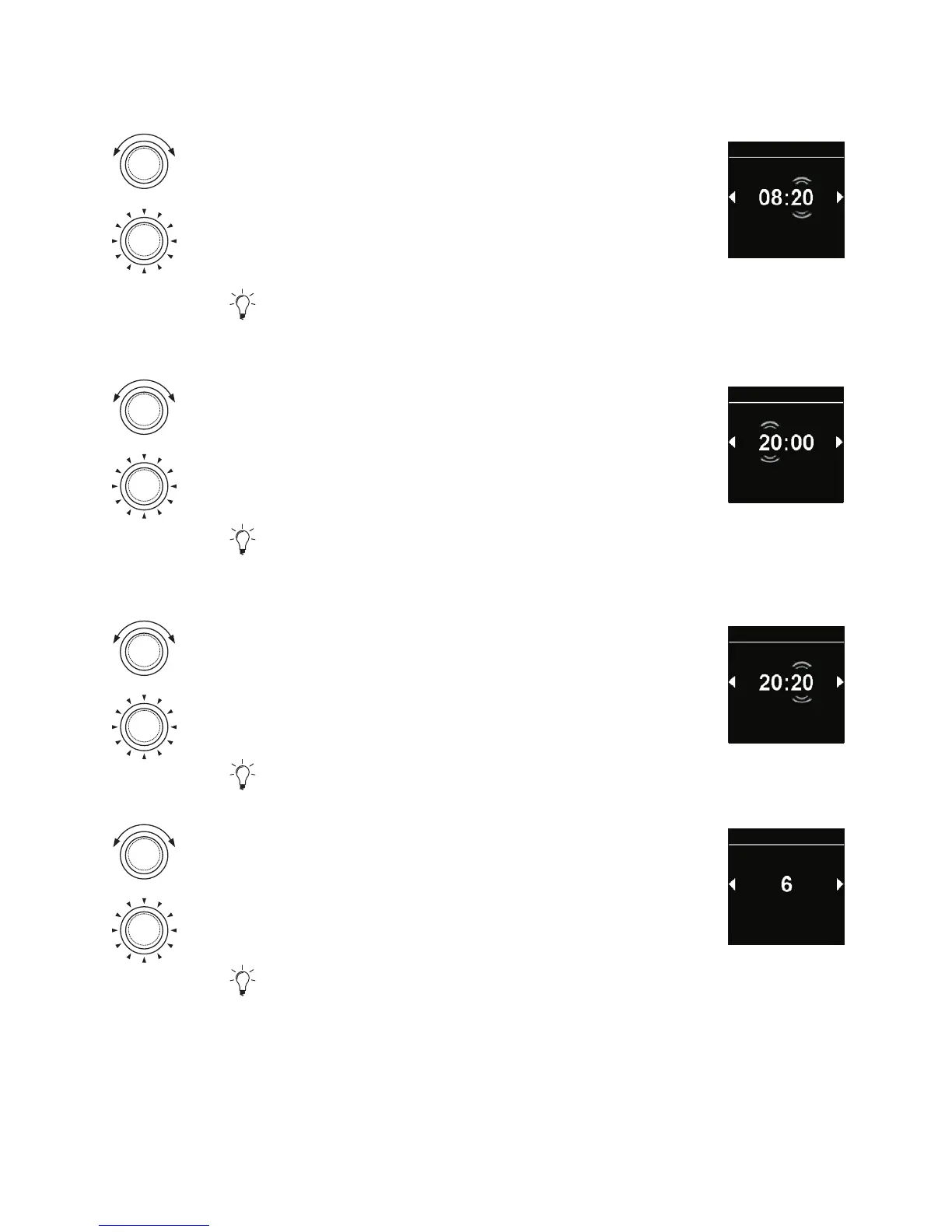
Turn the control knob in order to choose the
desired start of the day “a minute”.
Press the control knob in order to confirm
selection.
Time of “an hour” for the end of the day flickers
in the display.
Start of
daytime
Settings
Turn the control knob in order to choose the
desired end of the day “an hour”.
Press the control knob in order to confirm
selection.
Time of “a minute” for the end of the day
flickers in the display.
End of daytime
Settings
Turn the control knob in order to choose
the desired end of the day “a minute”.
Press the control knob in order to confirm
selection.
“Day” brightness level appears in the display.
End of daytime
Settings
Turn the control knob in order to choose the
desired brightness level ”day”.
Press the control knob in order to confirm
selection.
“Night” brightness level appears in the display.
Brightness
(Day)
Settings



 To Next Page