34
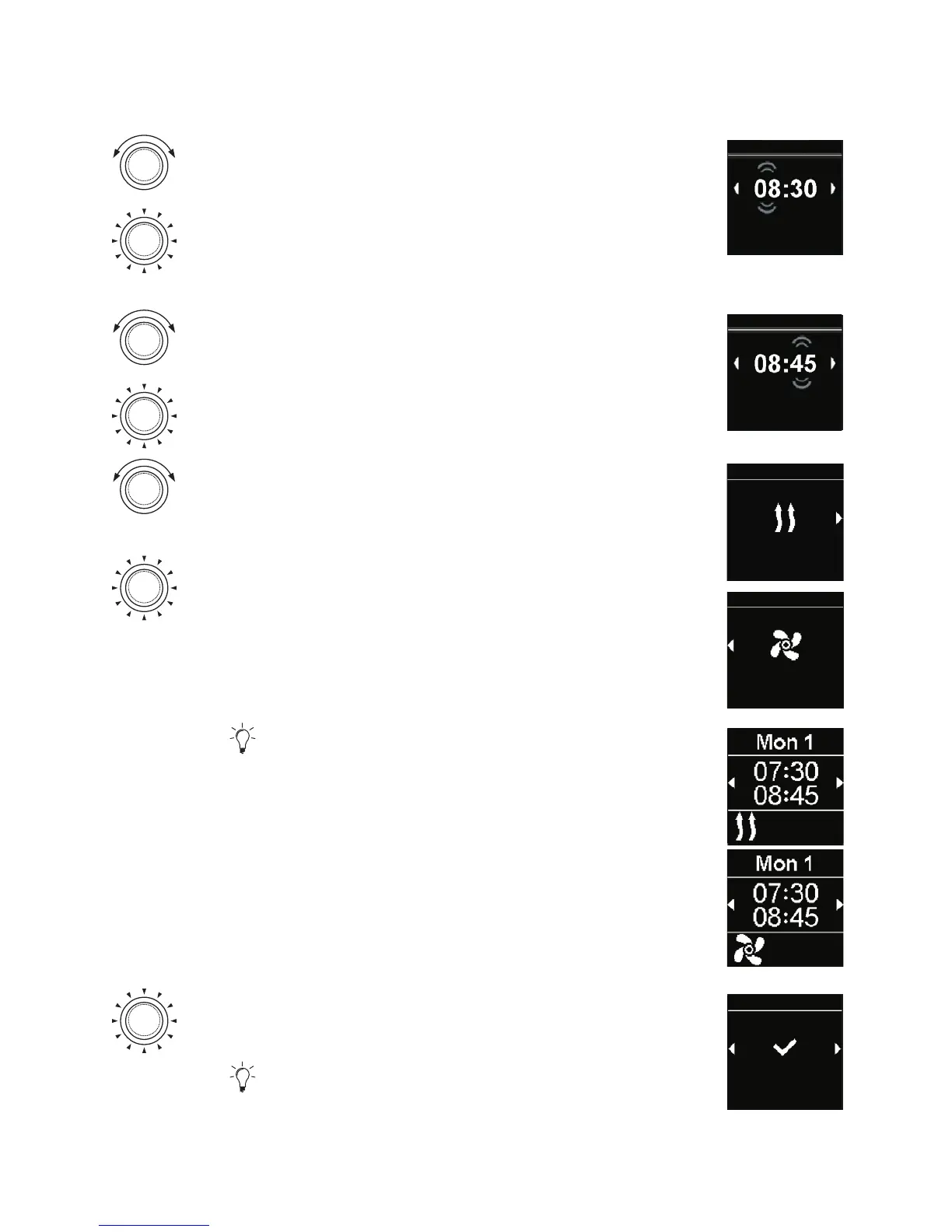
Turn the control knob in order to choose the
stop time of “an hour”.
Press the control knob in order to confirm
selection.
Stop time
Timers
Turn the control knob in order to choose the
stop time of “a minute”.
Press the control knob in order to confirm
selection.
Stop time
Timers
Turn the control knob in order to choose the
desired operation mode (“heating” or “ventila-
tion”).
Press the control knob in order to confirm
selection.
Normal
Timers
Ventilation
Timers
The programmed timer is saved and shown in
the display.
Press the control knob in order to activate the
programmed timer.
“Activate” message appears in the display.
Activate
Timers



 To Next Page