25
3
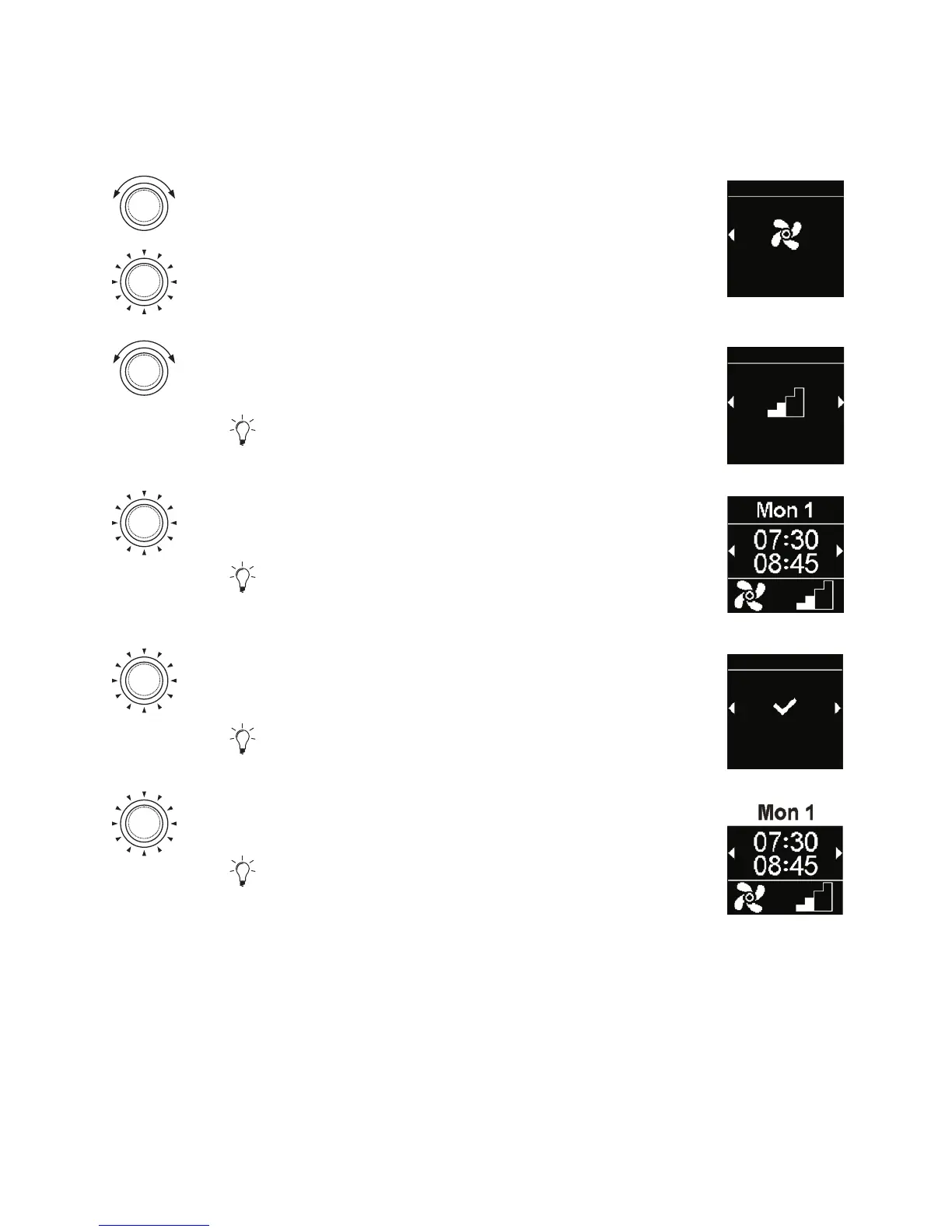
One should set the timer for “ventilation” operation mode.
Turn the control knob in order to choose the
desired “Ventilation” mode.
Press the control knob in order to confirm
selection.
Ventilation
Timers
Turn the control knob in order to choose the
desired fan speed.
Options available: Fan speed 1-4.
Level 2
Timers
Press the control knob in order to confirm
selection.
The programmed timer is saved and shown in
the display.
Press the control knob in order to activate the
programmed timer.
“Activate” message appears in the display.
Activate
Timers
Press the control knob in order to confirm
selection.
Activated time setting is marked by white bars.
“T” symbol appears in the main menu.
Quick start button flashes white when timer to-
gether with ventilation is active but the display is off.



 To Next Page