39
Press the control knob.
Press the control knob in order to choose
“Quick start” submenu.
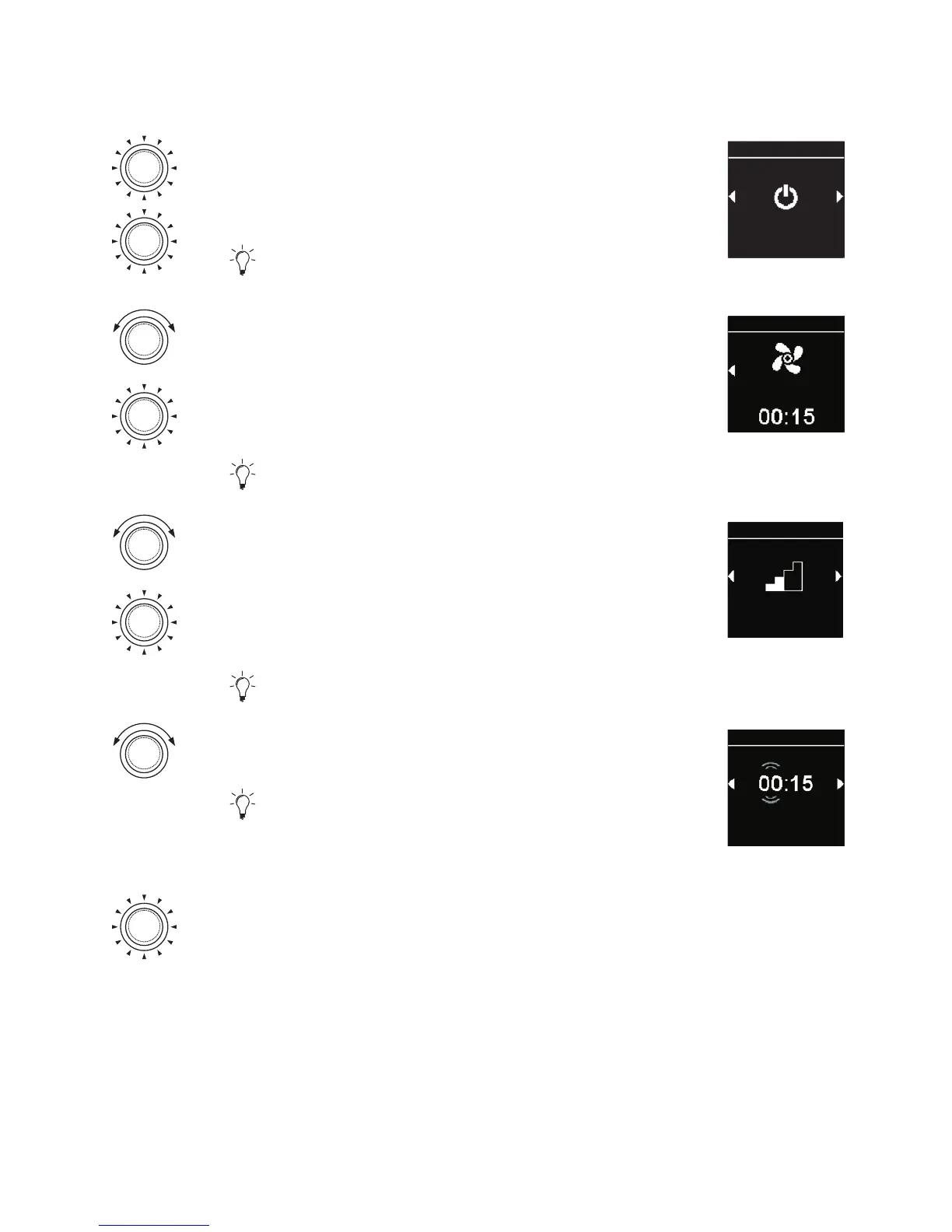
Heating mode appears in the display.
Quick start
Settings
Turn the control knob in order to choose the
desired “Ventilation” mode.
Press the control knob in order to confirm
selection.
Four fan speeds appear in the display.
Level 2
Settings
Turn the control knob in order to choose the
desired fan speed.
Press the control knob in order to confirm
selection.
Duration flickers in the display.
Level 2
Ventilation
Turn the control knob in order to choose the
duration of “an hour”.
By means of turning the control knob in a clock-
wise direction one can select and activate maximum
duration.
Press the control knob in order to confirm
selection.
Duration
Ventilation



 To Next Page