TABLE OF CONTENTS
WARNING DECAL PLACEMENT ............................................................. 2
iMPORTANT PRECAUTIONS ................................................................ 3
BEFORE YOU BEGIN ...................................................................... 4
ASSEMBLY ............................................................................... 5
ADJUSTMENTS .......................................................................... 13
CABLE DIAGRAM ......................................................................... 17
EXERCISE GUiDELiNES .................................................................. 18
ORDERING REPLACEMENT PARTS .................................................. Back Cover
LiMiTED WARRANTY .............................................................. Back Cover
Note: A PART iDENTiFiCATiON CHART and a PART LIST/EXPLODED DRAWING are attached in the center of
this manual. Remove the PART iDENTiFiCATiON CHART and PART LIST/EXPLODED DRAWING before begin-
ning assembly.
WARNING DECAL PLACEMENT
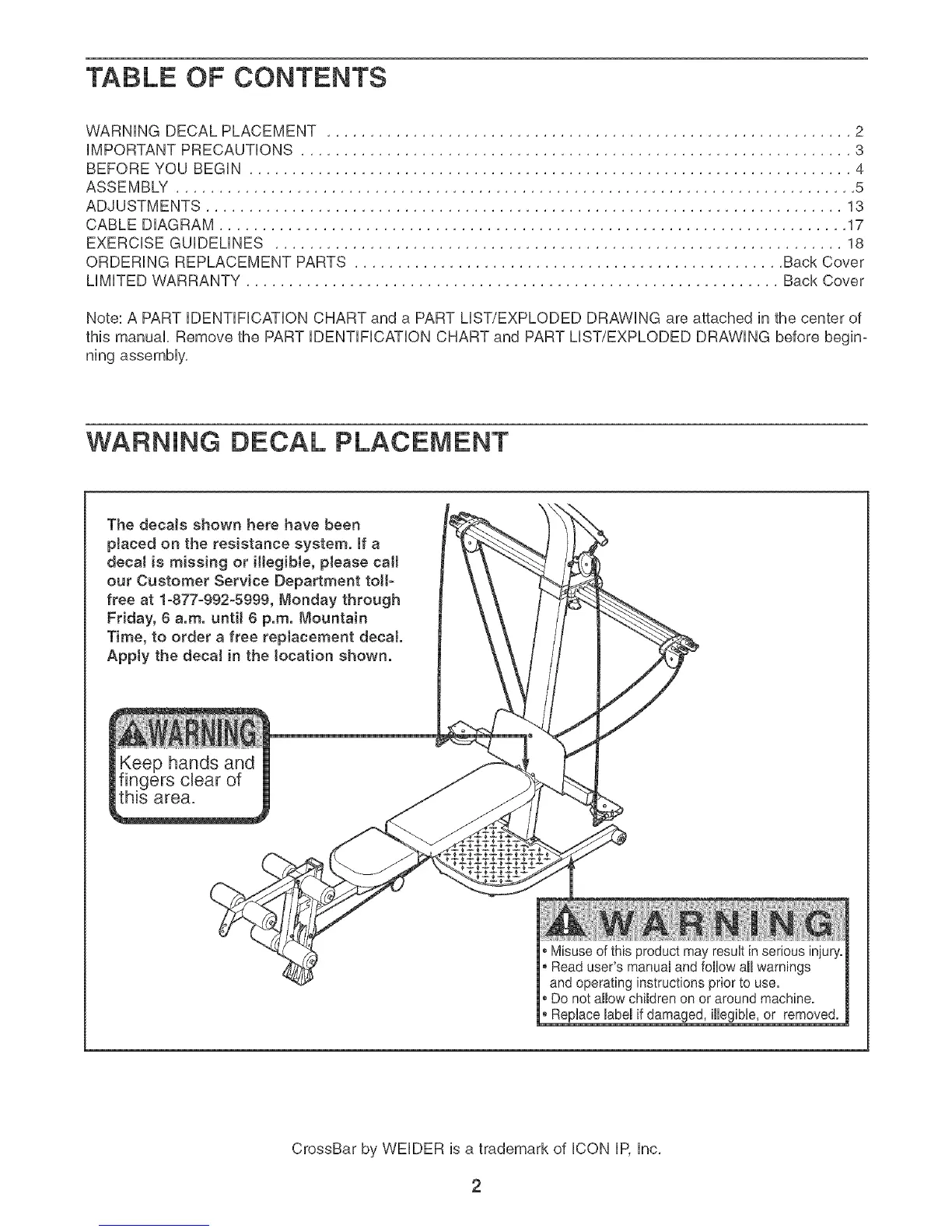
The decals shown here have been
pJaced on the resistance system. If a
decal is missing or iHegibJe, please call
our Customer Service Department toll-
free at 1-877-992-5999, Monday through
Friday, 8 a.m. until 8 p.m. Mountain
Time, to order a free repJacement decal
Apply the decaJ in the location shown.
ieep hands and
ngers clear of
_s area.
®Misuse of this product may result in serious injury.
Read user's manual and follow all warnings
and operating instructions prior to use.
®Do not allow children on or around machine.
* Replace label if damaged, illegible, or removed.
CrossBar by WELDER is a trademark of ICON IP, Inc.





 To Next Page