TABLE OF CONTENTS
WARNING DECAL PLACEMENT ............................................................... 2
IMPORTANT PRECAUTIONS .................................................................. 3
BEFORE YOU BEGIN ........................................................................ 4
PART IDENTIFICATION CHART ................................................................ 5
ASSEMBLY ................................................................................ 6
ADJUSTMENT ............................................................................ 11
EXERCISE GUIDELINES .................................................................... 12
PART LIST ................................................................................ 14
EXPLODED DRAWING ...................................................................... 15
HOW TO ORDER REPLACEMENT PARTS .............................................. Back Cover
90 DAY FULL WARRANTY ........................................................... Back Cover
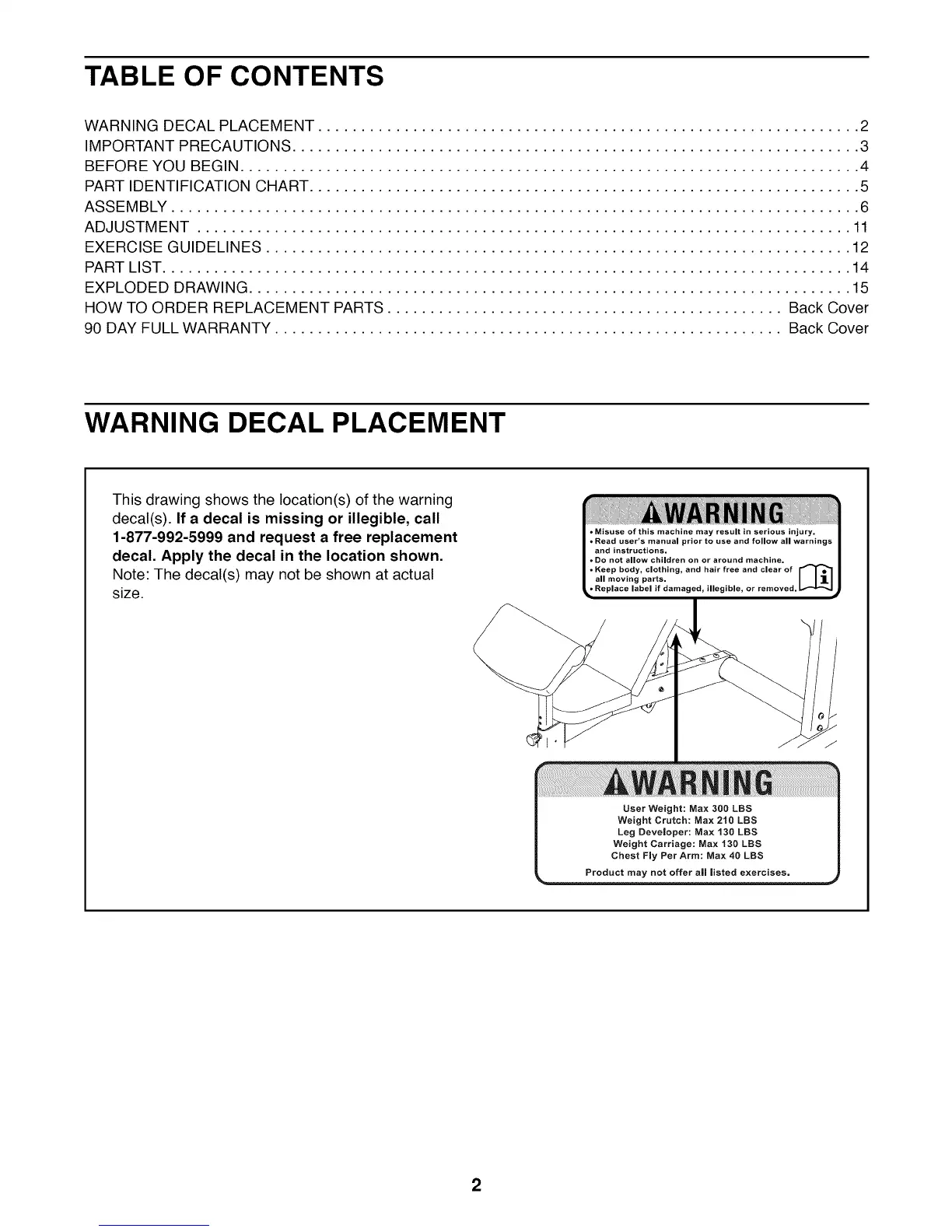
WARNING DECAL PLACEMENT
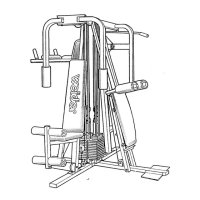
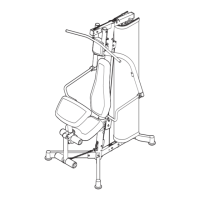
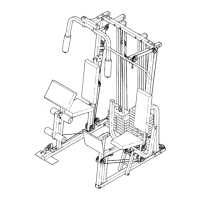
This drawing shows the location(s) of the warning
decal(s). If a decal is missing or illegible, call
1-877-992-5999 and request a free replacement
decal. Apply the decal in the location shown.
Note: The decal(s) may not be shown at actual
size.
• Misuse of this machine may result in serious injury.
• Read user's manual prior to use and follow all warnings
and instructions.
• Do not allow children on or around machine.
and hair free and clear ofKeep body, clothing,
o
all moving parts. I I 1 I
or removed.
User Weight: Max 300 LBS
Weight Crutch: Max 210 LBS
Leg Developer: Max 130 LBS
Weight Carriage: Max 130 LBS
Chest Fly Per Arm: Max 40 LBS
2



 To Next Page