30
January, 2017
Prod. Speed: Displays the number of bags per minute that the machine has produced over the
span of a production run.
Avg. Heads: Displays the average number of heads used in combinations to achieve the target
weight. If this value is greater than the average number of heads needed to achieve a
combination weight, then the machine is not running at optimal performance.
Forced Dumps: Displays the total number of forced dumps (dumps that are not valid
combinations) that a machine has produced for a production run.
CYCLE HISTORY: The cycle history section displays the weights of the last 20 combinations found in
descending chronological order.
ERROR LOG: The error log stores all errors and alarms that occur during the operation of the machine.
These include motor and vibrator malfunctions, forced dumps, empty buckets, etc. If your PrimoCombi is
displaying odd behavior it is advised to search the error log for likely causes.
CURRENT DUMP:
The current dump section is where you will be able to view the real-time operation of the PrimoCombi.
There are three different modes in which you can monitor the performance of the PrimoCombi.
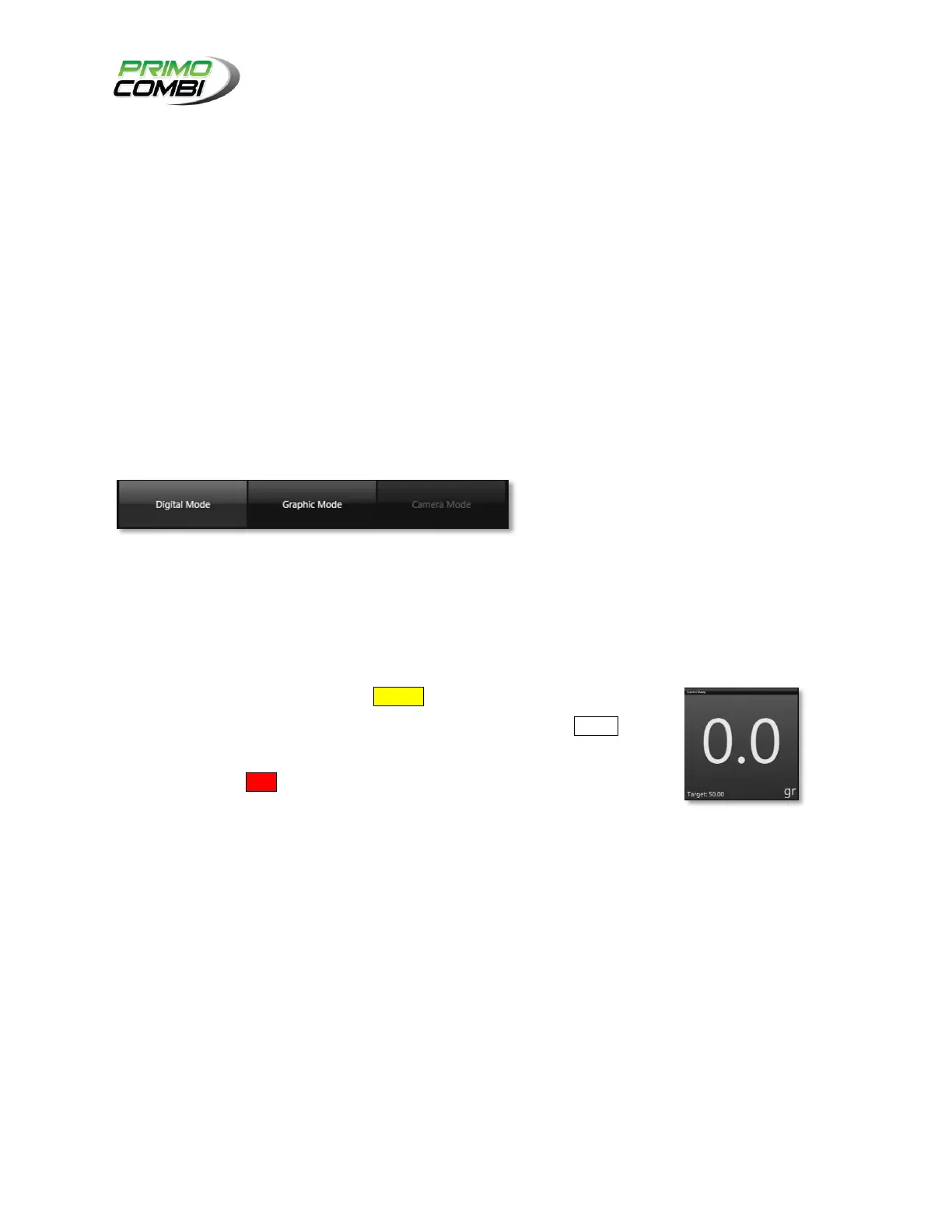
DIGITAL MODE:
Digital mode displays a large numeric value for the weight combination that
was just made. If the combination found is under the specified target weight
range the weight will be displayed in Yellow. If the combination found was
within the acceptable target weight the weight will be displayed in White. If
the combination found is over the specified target weight range the weight
will be displayed in Red.
The target weight will be displayed at the bottom along with the average
number of heads used.



 To Next Page