31
January, 2017
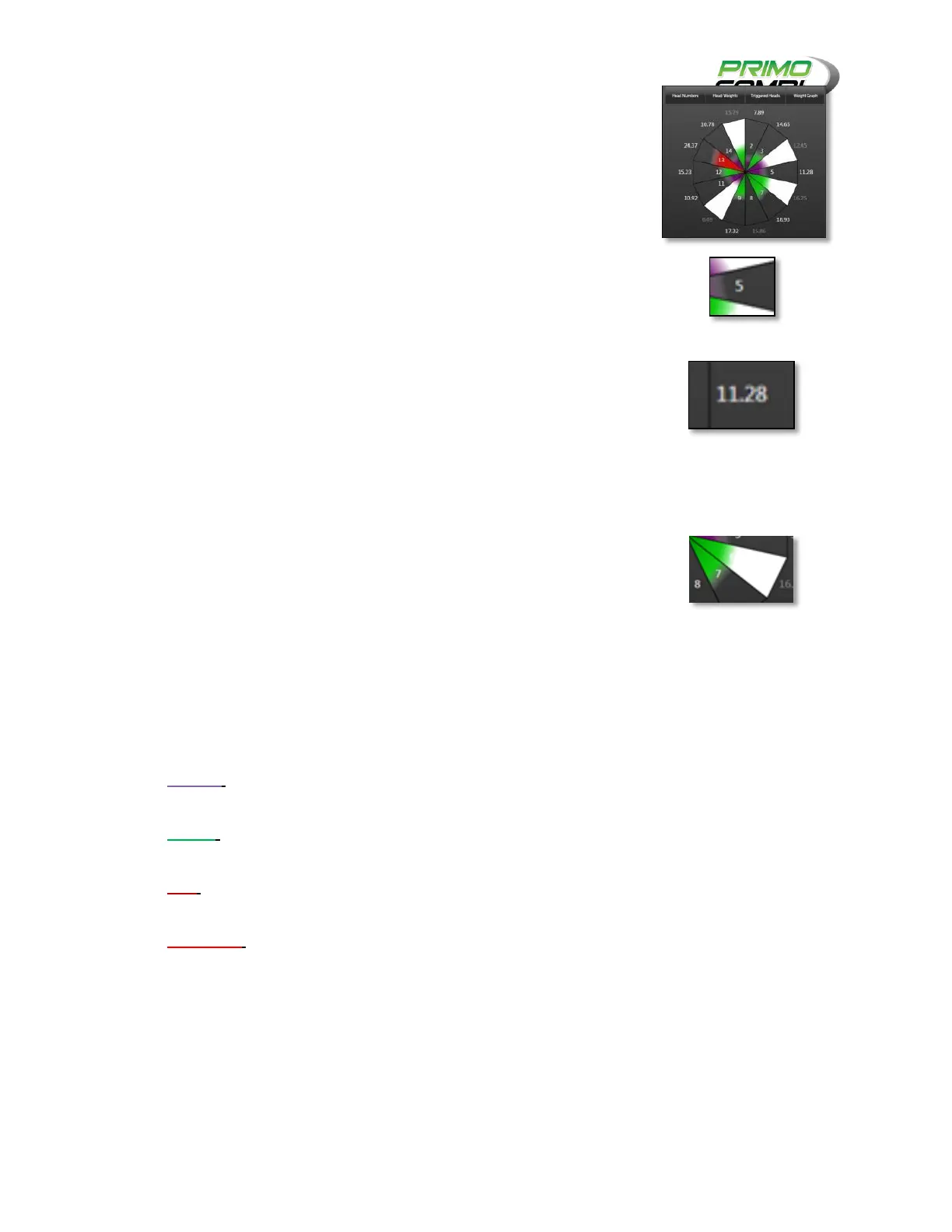
GRAPHIC MODE:
Graphic mode displays a visual representation of the scale seen from
above. There are several different configurations for the graphics mode.
HEAD NUMBERS: When this is enabled, a number indicating the head
ID will be displayed on the graphical representation of the head.
HEAD WEIGHTS: When this is enabled, you will see the current
weight in the head outside the respective head. When a head
weight is displayed in a light gray number it means that it was the
LAST weight in the head and has not been reweighed. If the head
weight is displayed in white it means that the weight being displayed
is the current weight in the bucket.
TRIGGERED HEADS: When this is enabled, the moment a
combination is dumped, the heads used to make the combination
will turn white.
WEIGHT GRAPH: When this is enabled, the heads will change colors
once weighed. The colors represent how the weight in the head
relates to the ideal weight. Ideal weight is the target weight divided
by the target number of heads. The color code is as follows:
PURPLE – when a head turns purple it indicates that the amount of
product is less than ideal.
GREEN – when a head turns green it indicates that the amount of
product is ideal.
RED – when a head turns red it indicates that the amount of product
is more than ideal.
LIGHT RED – when a head turns light red it indicates that the
amount of product in the head is more than the target weight.



 To Next Page