EasyManua.ls Logo

WeighPack Systems PRIMO COMBI - Page 32

WeighPack Systems PRIMO COMBI
105 pages
Print Icon
To Next Page IconTo Next Page
To Previous Page IconTo Previous Page
Loading...
32
January, 2017
CAMERA MODE:
OVERHEAD WEBCAM: This field indicates if there is an overhead
webcam mounted to the scale. As the 360 Operating System
supports multiple cameras and multiple machines, this is where you
indicate which webcam will display on the operating screen.
OVERLAY: When this is enabled you will be able to see a diagram of
the machine and which heads are triggered. This will be displayed
on top of the camera.
NO OVERLAY: This option removes all items on top of the camera.
ADVANCED CONTROLS:
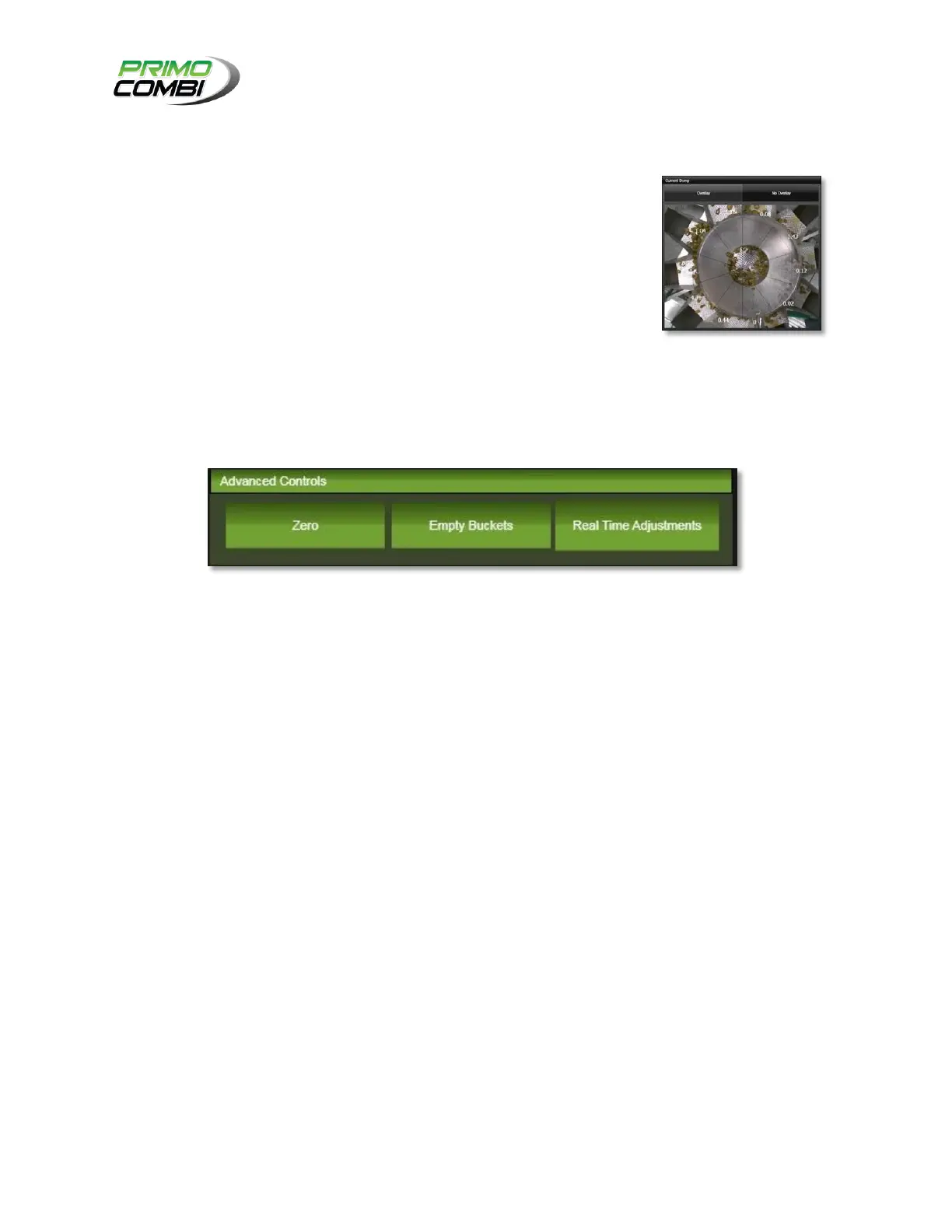
ZERO: If the machine is in Stop mode, this will perform an instant zeroing of all buckets.
EMPTY BUCKETS: This will empty all of the PrimoCombi’s buckets.
REAL TIME ADJUSTMENTS: This will transform the Operate screen into the real-time adjustments
screen.

Related product manuals