33
January, 2017
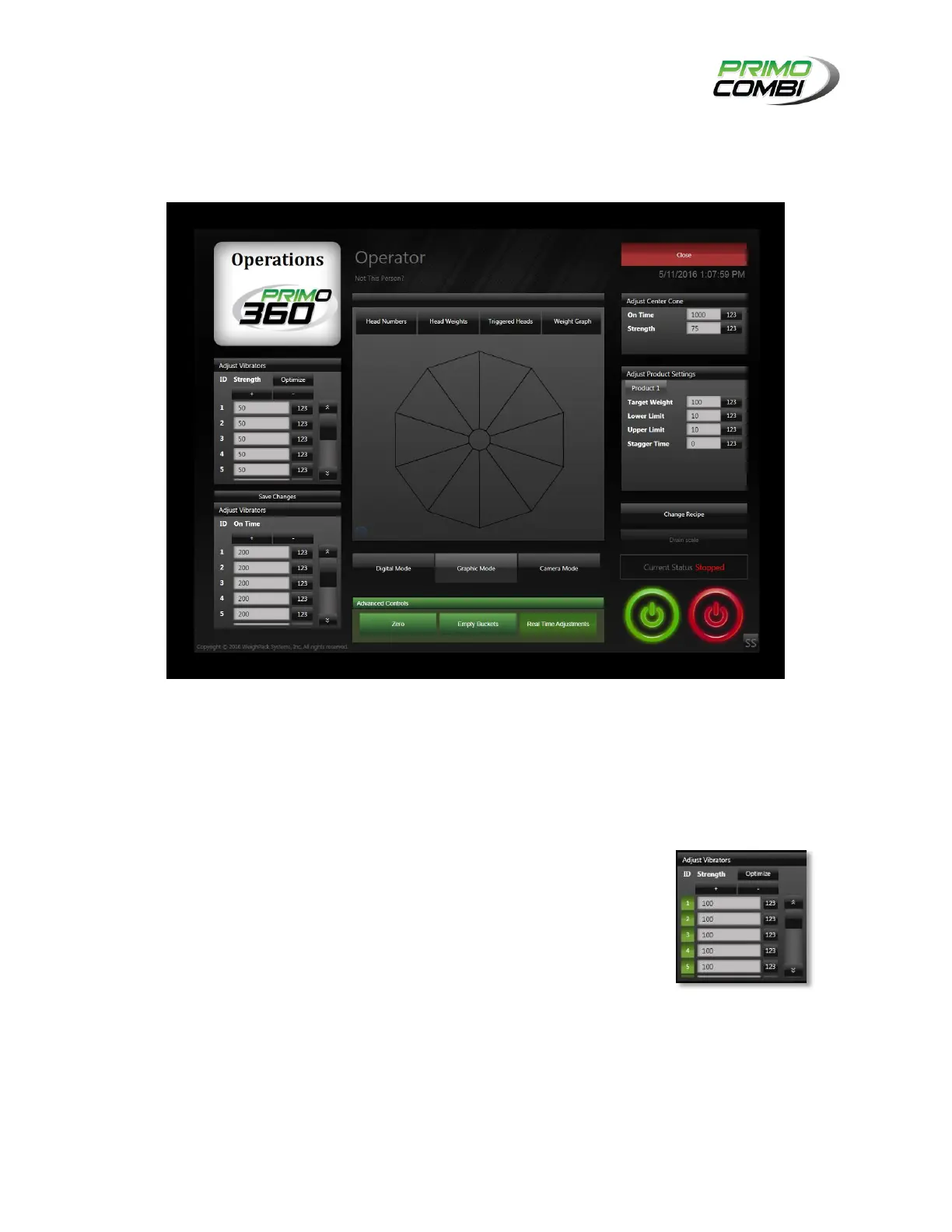
REAL-TIME ADJUSTMENTS:
The real-time adjustments area of the Operate screen is where you can tune the operations of the system
while the system is running.
Operator Screen (Real-Time Adjustments)
ADJUST VIBRATOR STRENGTH:
OPTIMIZE: This allows you to turn On or Off the machine’s ability to
self-adjust its strength settings.
PLUS SIGN: Clicking the “+” button will increase all vibrator strengths
by 5%.
MINUS SIGN: Clicking the “-“ button will decrease all vibrator
strengths by 5%.
VALUE FIELDS: Clicking on a value field will bring up the number pad
where you can enter the strength value you desire.



 To Next Page