38
January, 2017
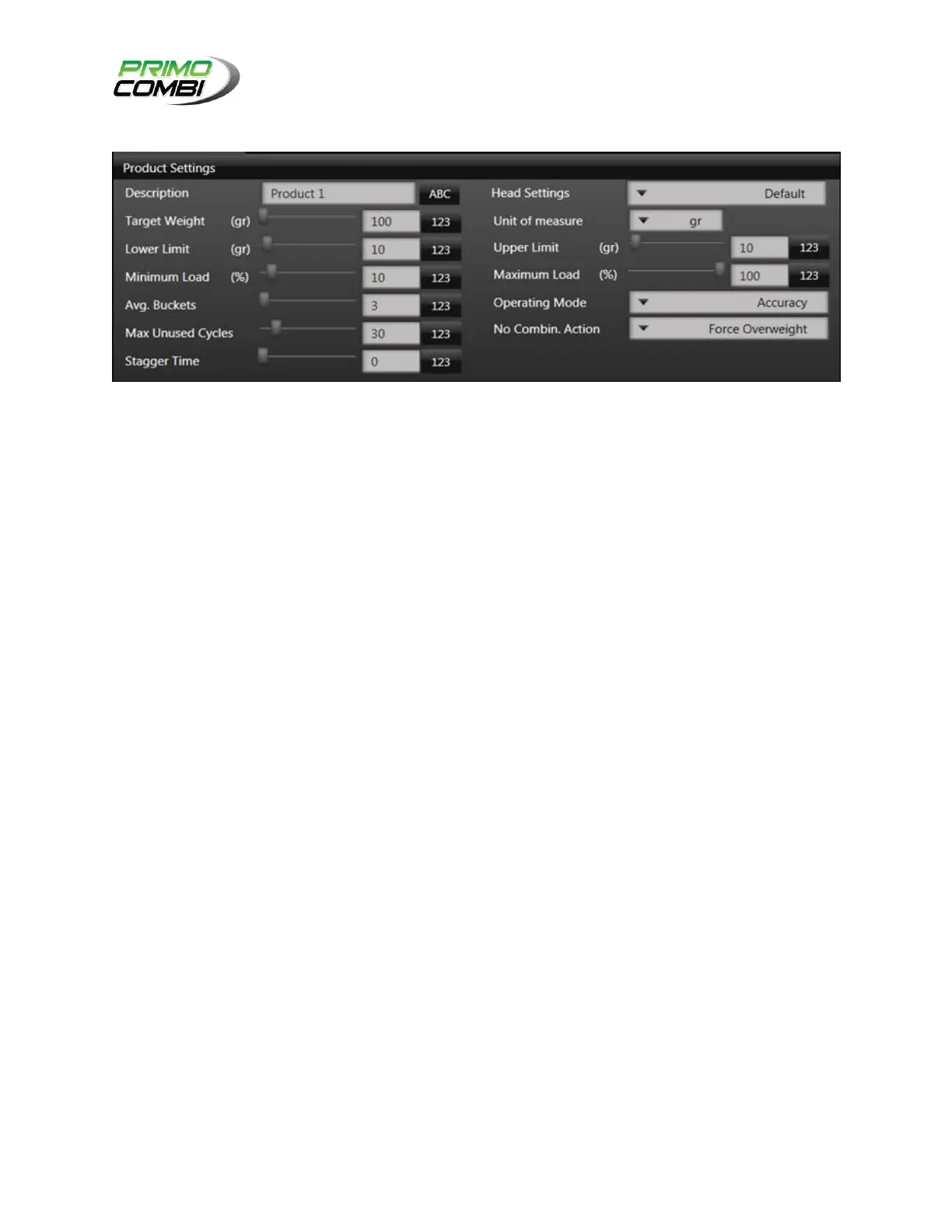
PRODUCT SETTINGS
TARGET WEIGHT: This is the weight that the Weigh Buckets will try to achieve before each product dump.
The Target Weight represents how much product will be deposited into each bag.
LOWER LIMIT: This is the allowable number of grams under the target weight.
MINIMUM LOAD: If you require a minimum load this is the minimum percentage of the target weight a head
should contain. (10% by default for a 10H scale, 13% by default for a 14H.)
AVG. BUCKETS: This is the target number of buckets to use for a combination. Ideally, set to 3.
MAX UNUSED CYCLES: This is the number of combinations that can be made without using a specific
weighing head (up to 200 combinations.) While using this function, certain Weigh Buckets will retain
product for a longer time. If you are weighing perishable products, you should use a low value. If you are
weighing non-perishable products, a higher value will increase the performance of the machine.
STAGGER TIME: The total time delay from the first head opening in a combination to the last head opening
in a combination.
HEAD SETTINGS: These are the settings to use for the head that was defined in Configuring Your
Hardware > Head Configuration.
UNITS OF MEASURE: This is the unit of measure that you are going to be running in. If you select pc
(pieces) you will be required to enter the piece weight in grams, also, unlike the other units of measure,
the Lower Limit and Upper Limit will be measured by piece in addition to Target Weight.
UPPER LIMIT: This is the allowable number of grams over the target weight.
MAXIMUM LOAD: This is the maximum percentage of the target weight a head should contain, this value is
100 by default.



 To Next Page