50
January, 2017
Catch Box Installed – This field indicates if there is a catch box (a.k.a. Timing Bucket) attached
to the PrimoCombi. Read-Write
Unlock Main board – This button will only be visible if the status of the main board is locked.
During normal operations the main board is unlocked when starting the PrimoCombi. However,
there are times when you will need to manually unlock the main board – to do that, click the
Unlock main board button.
ADVANCED COMPONENTS
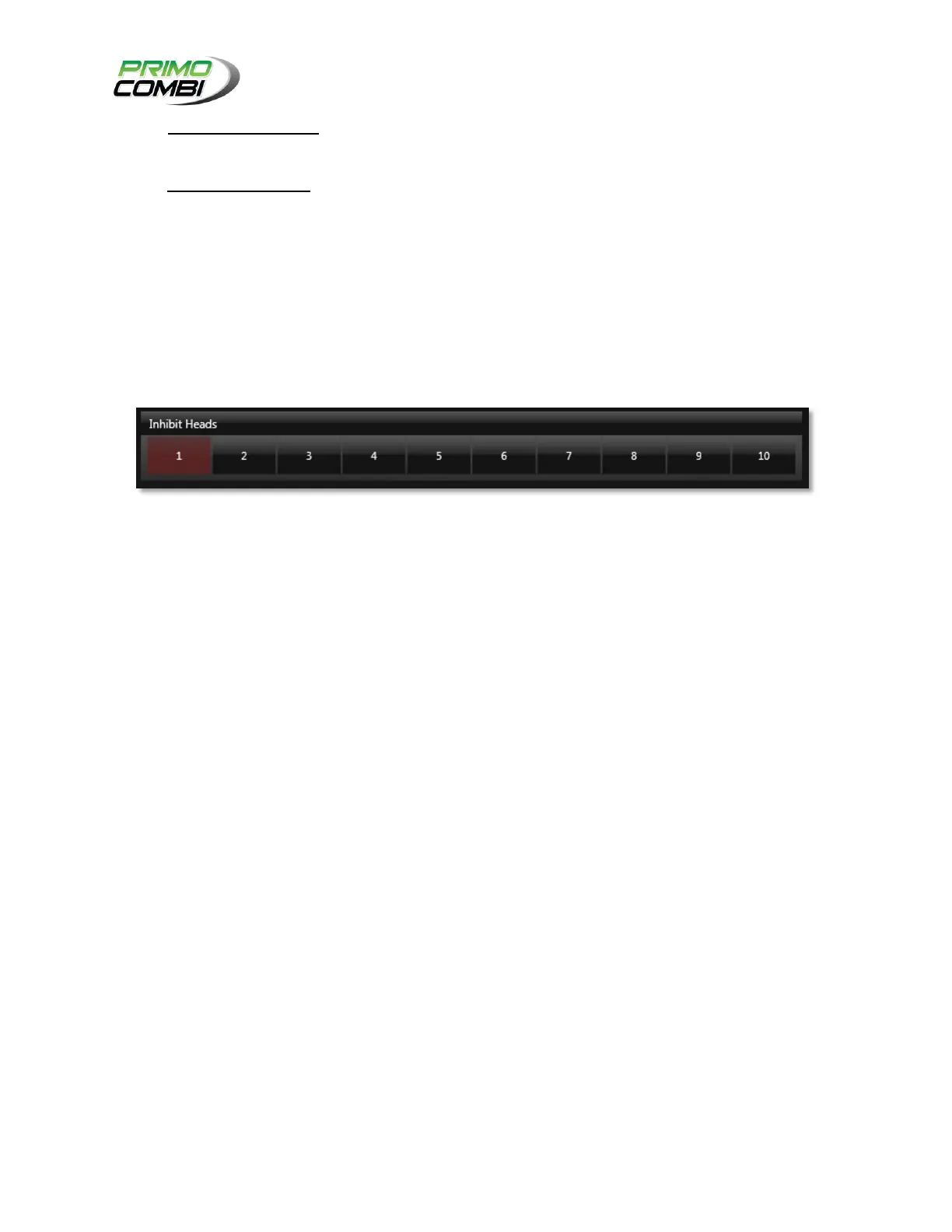
The Advanced Components checkbox on the Primo Information section will allow the operator to
manually inhibit heads, thereby removing them from operation. Checking the checkbox will display the
Inhibit head section.
If a head is inhibited the advanced checkbox will be already checked. Inhibited heads will be indicated in
Red.
COMPONENT CONFIGURATIONS
The component configurations section is where you will configure how your heads, center cone, catch
box, Stepper motors and vibrators will function.
HEAD CONFIGURATIONS
The head configuration window is where the operator can define how the stepper motors will operate,
how a load cell will respond, and the general characteristics of a head. The 360 Operating System allows
for a near limitless amount of configurations to suit every imaginable application.



 To Next Page