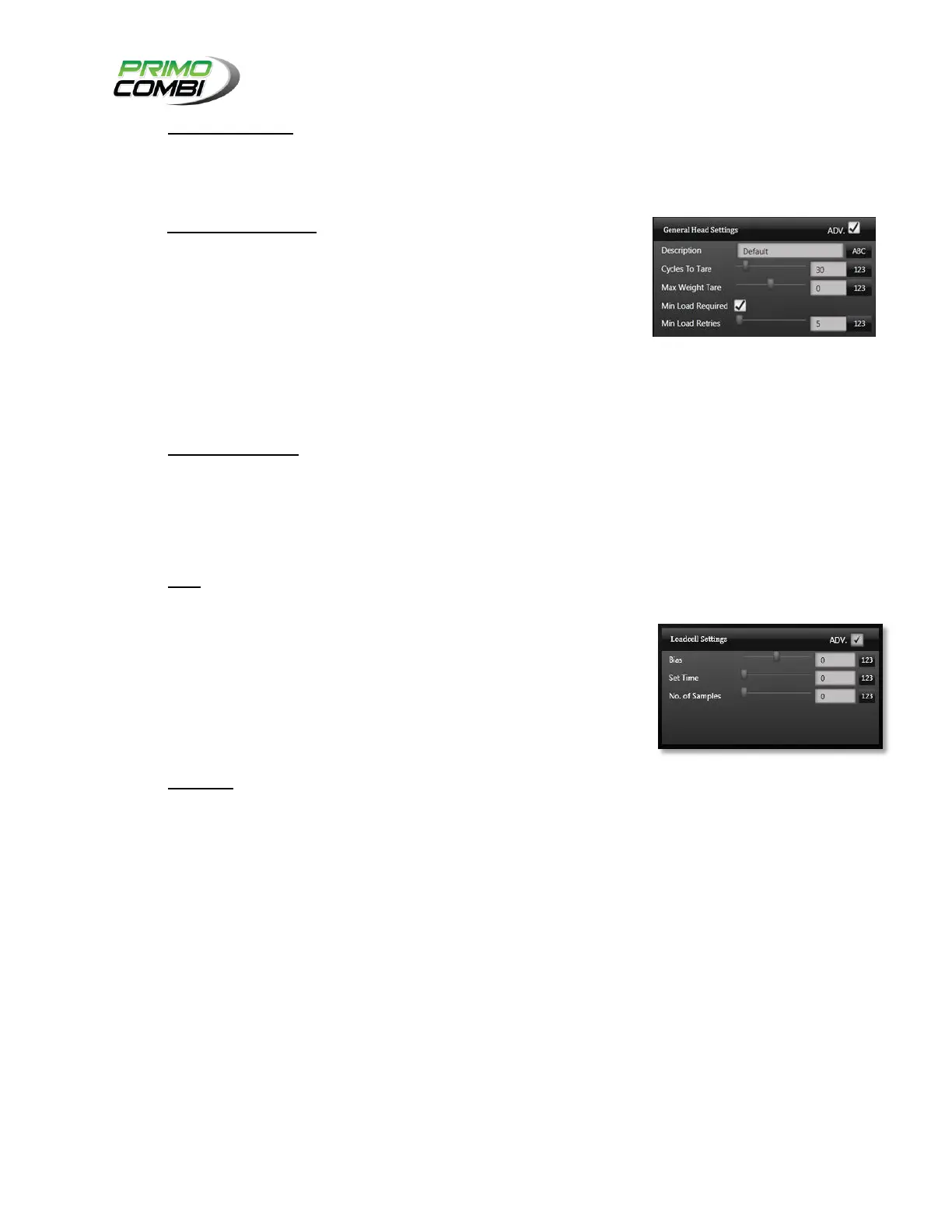
Max Weight Tare – This indicates whether the PrimoCombi should
self-tare if the weight of the bucket is over a certain weight. If you
are running sticky products you should use this field. Otherwise you
should leave this field “0”. (This is an Advanced Setting)
Min Load Required – This field indicates if the weight bucket
should be filled to a certain level before being used for a
combination. Depending on the application this will allow the
PrimoCombi to run faster by using fewer heads in a combination -
however, in other applications it might slow down the PrimoCombi
while it tries to satisfy the minimum load requirements. Ask your
service provider if you are unsure of the proper setting for your
application. The inability to fulfill minimum load requirements will
result in an Empty Bucket alarm.
(This option is check by default.)
Min Load Retries – This field indicates how many times a head
should attempt to refill itself before sending an Empty Bucket alarm.
(This is an Advanced Setting)
Bias – When a bias is set to anything but zero it will offset the
weight in the weigh bucket by the specified amount. For example, if
you use a +10 bias on your heads and there are 100 grams of
product in the weigh bucket, it will read as 110 grams. If you have a
-10 bias and there are 100 grams of product in the weigh bucket, it
will read as 90 grams. This is useful if you are dumping low-cost
product and you absolutely cannot have any under weights, or if
you have an aging load cell that displays symptoms of fatigue and
you are waiting for a replacement. (This is an Advanced Setting)
Set Time – This is the duration to allow the product to settle before
reading the weights. The value here will vary based on the
application, but a good starter value is 100. If you require high-
speed applications you should consult your service provider for
optimal values.



 To Next Page