59
January, 2017
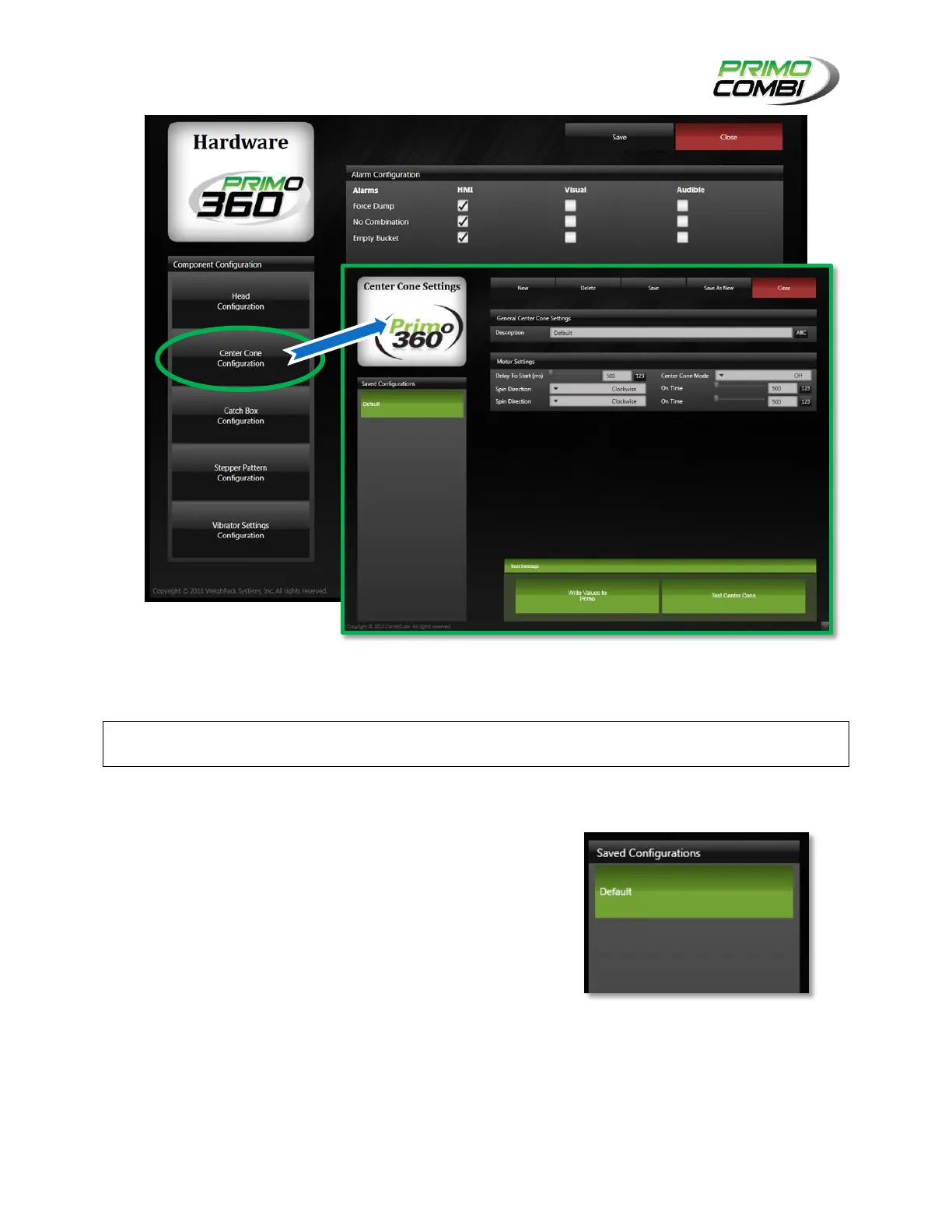
Center Cone Settings (Center Cone Motor) Screen
The center cone motor configuration screen will appear if you select Motor as your center cone type and
click the Center Cone Configuration button from the Hardware screen.
SAVED CONFIGURATIONS
The Saved Configurations section is where all your different
configurations will be saved. You can create as many different
head settings as you wish, limited only by the disk space of the
computer hosting the Database.



 To Next Page