78
January, 2017
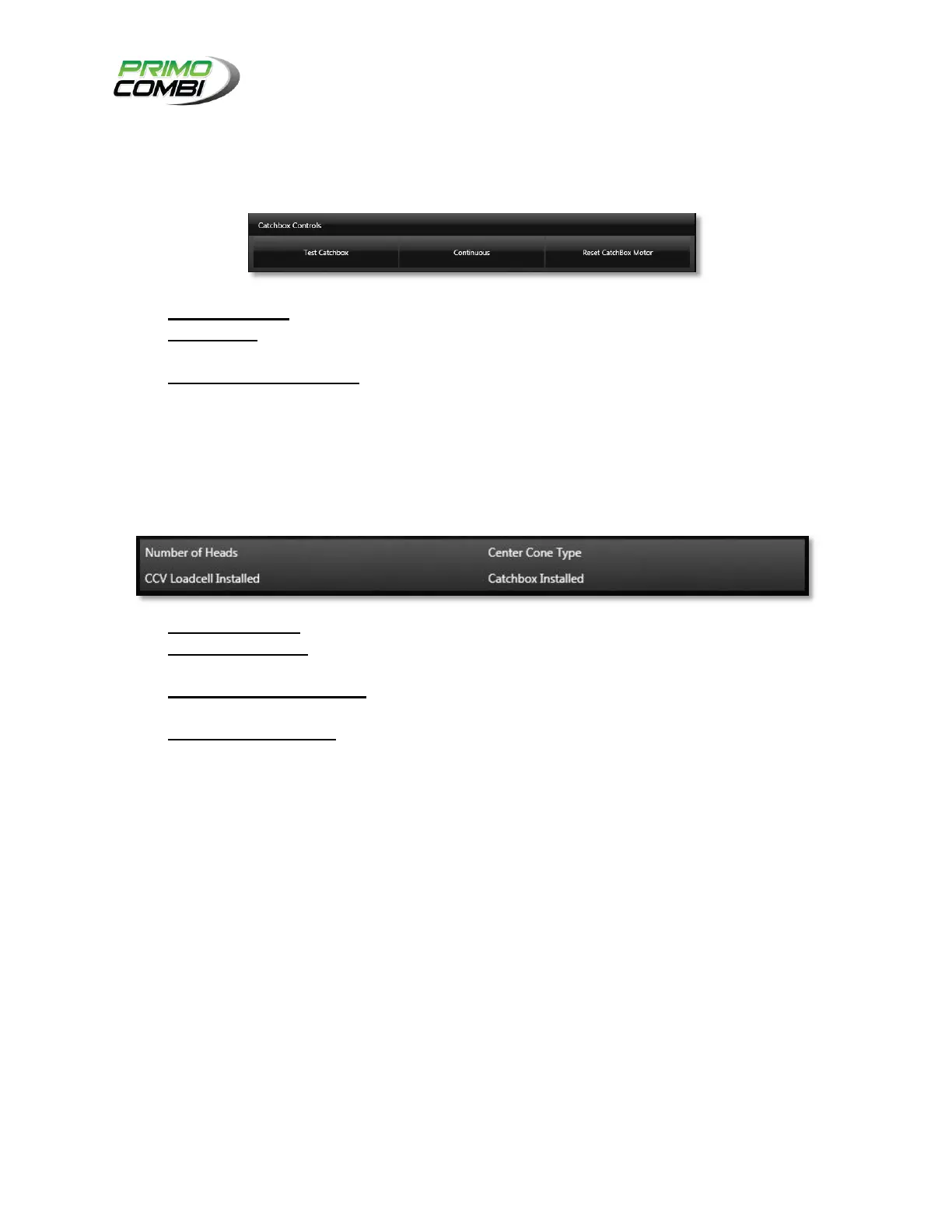
CATCH BOX CONTROLS
Catch Box Controls give the operator the ability to control each function of the catch box and the ability to
diagnose any problem with the PrimoCombi.
TEST CATCH BOX – Pressing this button will activate the catch box.
CONTINUOUS – Continuous is a toggle-able button that allows you to turn on the catch box
repeatedly until the button is pressed again.
RESET CATCH BOX MOTOR – If the catch box yields an error you can reset it here and bring it
back online.
SYSTEM PARAMETERS
Displays the system parameters loaded into the PrimoCombi.
NUMBER OF HEADS – This field indicates the number of heads your PrimoCombi has.
CENTER CONE TYPE – This field indicates the type of center cone your PrimoCombi is using. This
can be either None, Vibrator, or Motor.
CCV LOAD CELL INSTALLED – This field indicates if the PrimoCombi is equipped with a center
cone load cell to control the product flow into the machine.
CATCH BOX INSTALLED – This field indicates if there is a catch box (a.k.a. Timing Bucket)
attached to the PrimoCombi.



 To Next Page