86
January, 2017
SCHEDULE
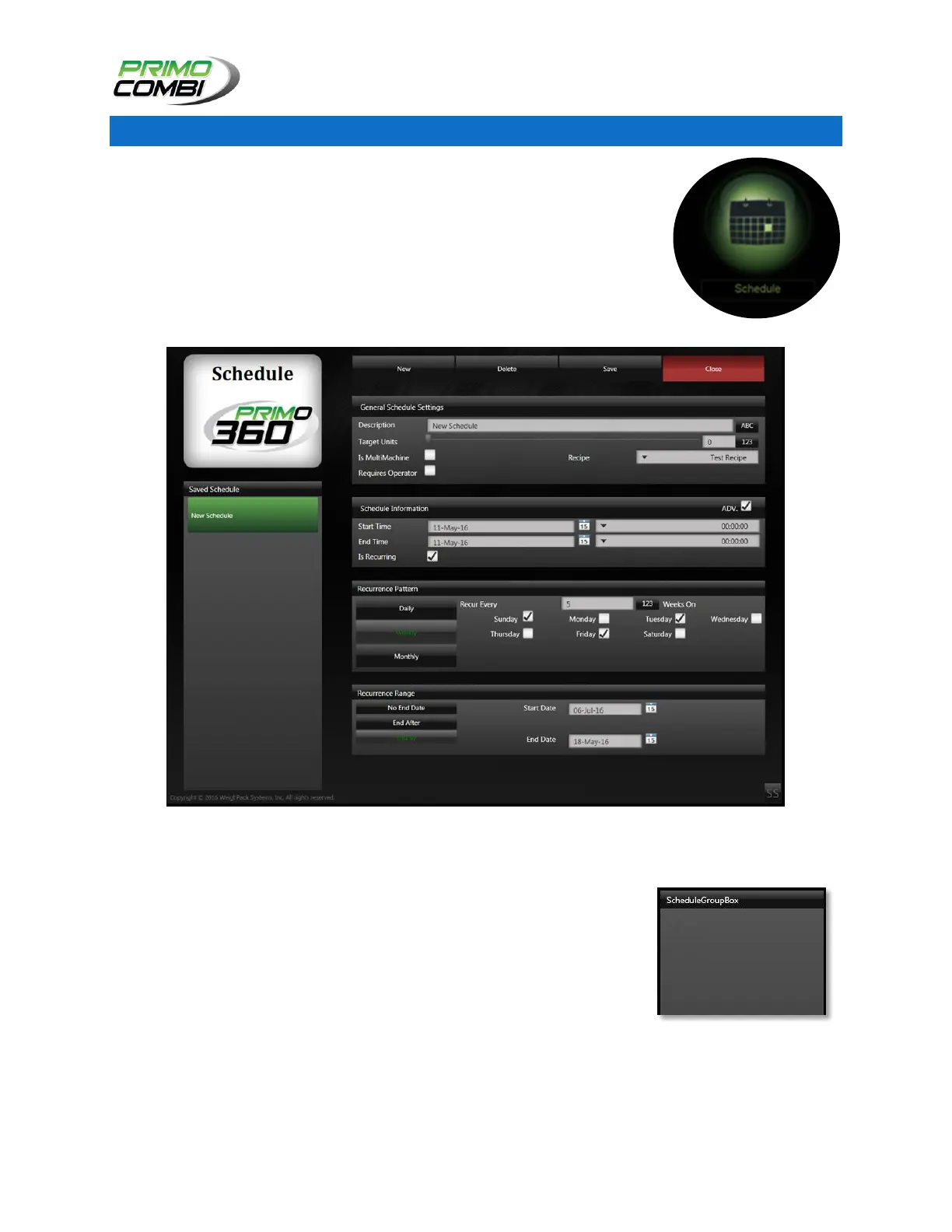
The schedule section of the software is where you can enter in the different
recipes, operators, and the target number of units that you wish to produce. In
order to run a schedule it must be enabled.
Schedule Screen
SCHEDULE
The Schedule section is where all your different schedules will be saved.
You can create as many different schedules as you wish, limited only by the
disk space of the computer hosting the Database. Once a schedule has
been completed it will be removed from the list.



 To Next Page