ATA-171/172/171P/171M (ATA-S1/S2/P/M)
User’s Guide
13
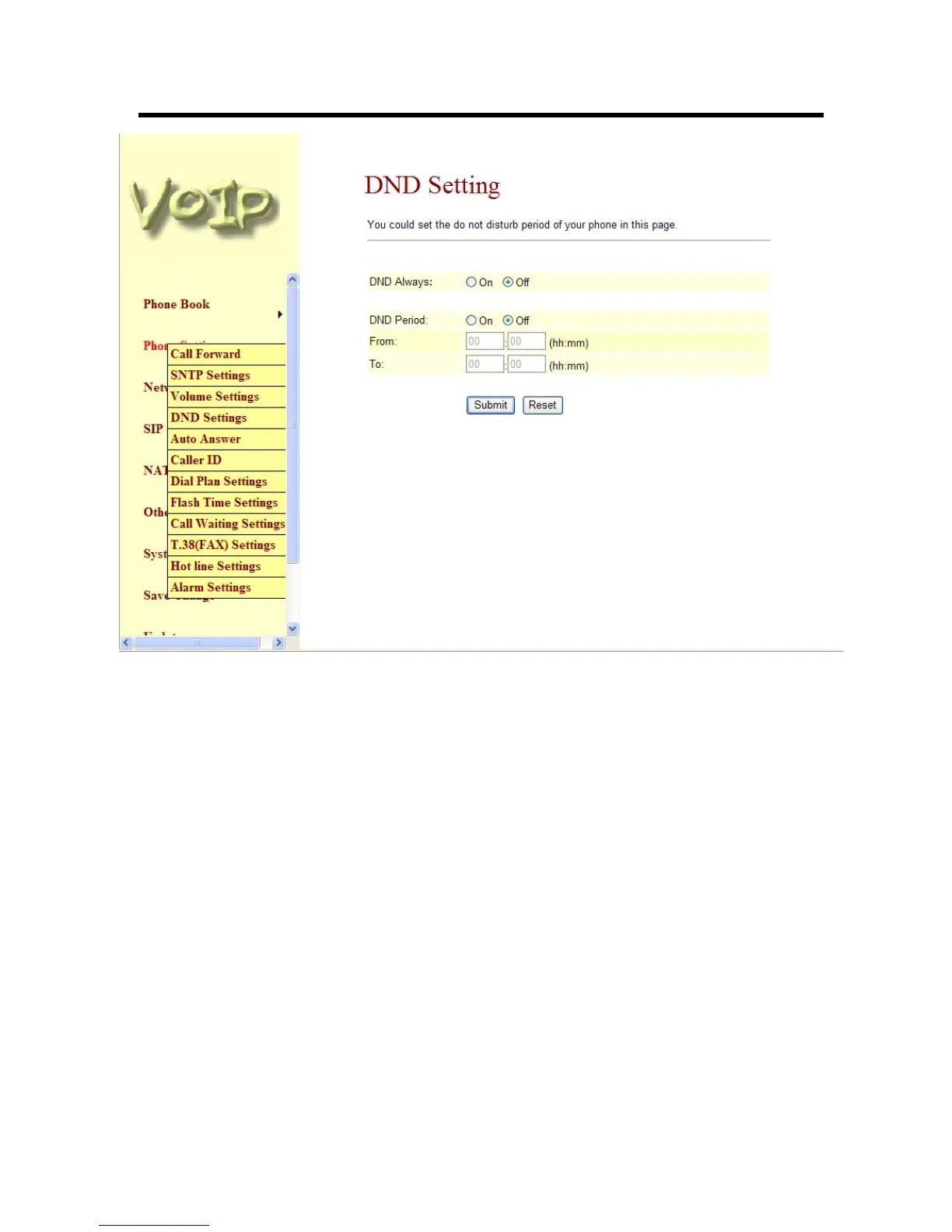
Figure 6. DND Setting
3.4.6 Auto Answer (For 171M only)
-1- You can choose to disable or enable Auto Answer feature.
-2- Auto Answer Counter: Specifies how many ring tones will be heard before it is switched
to IP or PSTN line (depending on the type of incoming call). Default value is 3, you can
set between 0~8.
-3- You can choose to disable or enable PIN code feature. When a PIN code is set on the
ATA device, once the auto answer counter value is encountered (for example 3 rings), you
will hear a continuous series of beeps, the caller then must specify the PIN set followed by
the hash key “#” to dial out and transfer to the second line. If the original call is IP, then it
will be dialed out to PSTN and vice versa.



 To Next Page