12.0 TROUBLESHOOTING
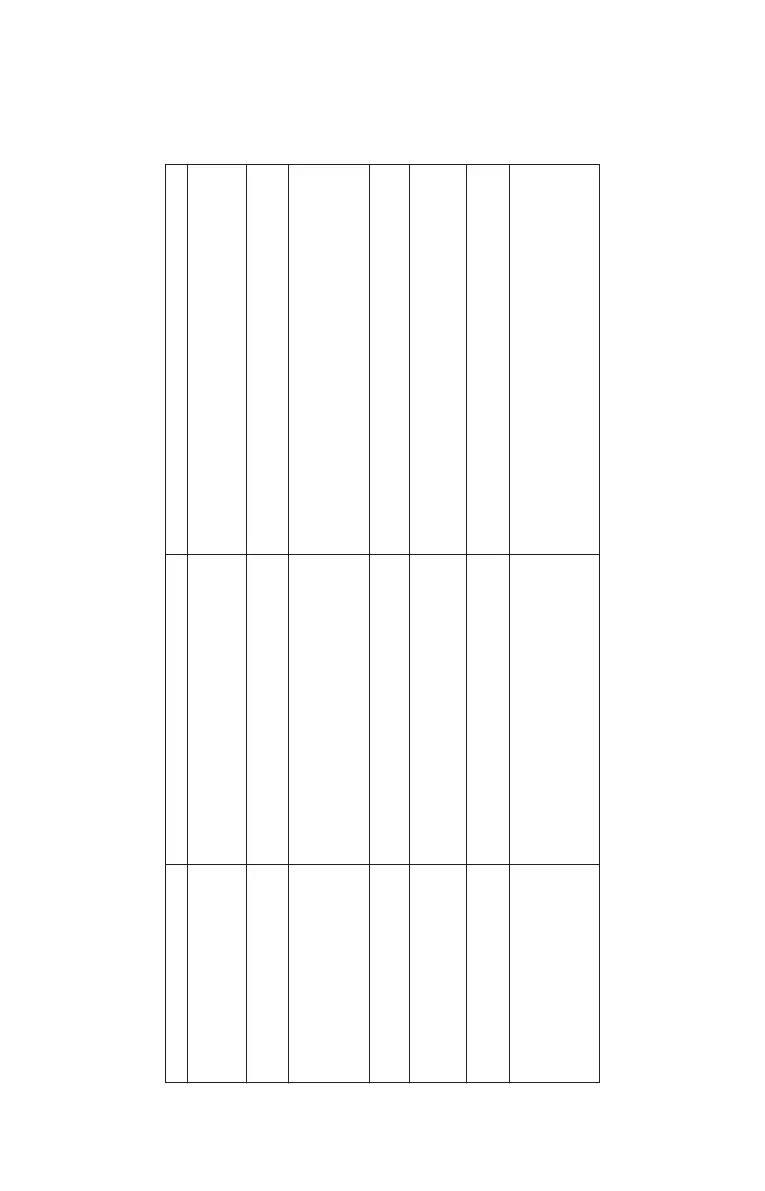
Use the following table below to diagnose any problems that may occur. If you cannot solve
the problem, consult your Authorised Service Provider.
Problem Cause Remedy
1. The Product does
not print connected properly & power switch is
in ON condition.
2. The Product is not No Power Check LED on adaptor or Check Power
initializing cord is connected to socket.
3. The Product is The paper is misaligned while closing the Centralize the paper and fix the paper cover
operating properly paper cover. properly.
but the paper is getting
folded.
4. The print quality is Due to poor quality thermal paper Use good quality thermal paper
light. Paper fed reversly
5. LCD back light not glowing Loose Connection Check power cord is connected to socket
properly or Check the Key Pad Module
connected properly.
6. Improper database or Due to power failure/noise during Retry downloading database or
header / footer downloading database or header / footer header / footer
7. Downloading of item data Port settings not proper Check the USB connection with PC.
base, header/footer etc.,
is not happening from PC to
BP JOY Pro
Power is not ON Check whether the adaptor cable is
29



 To Next Page