4
4.4 Download Data Base / Header-Footer from Utility from Computer
• Connect USB interface cable.
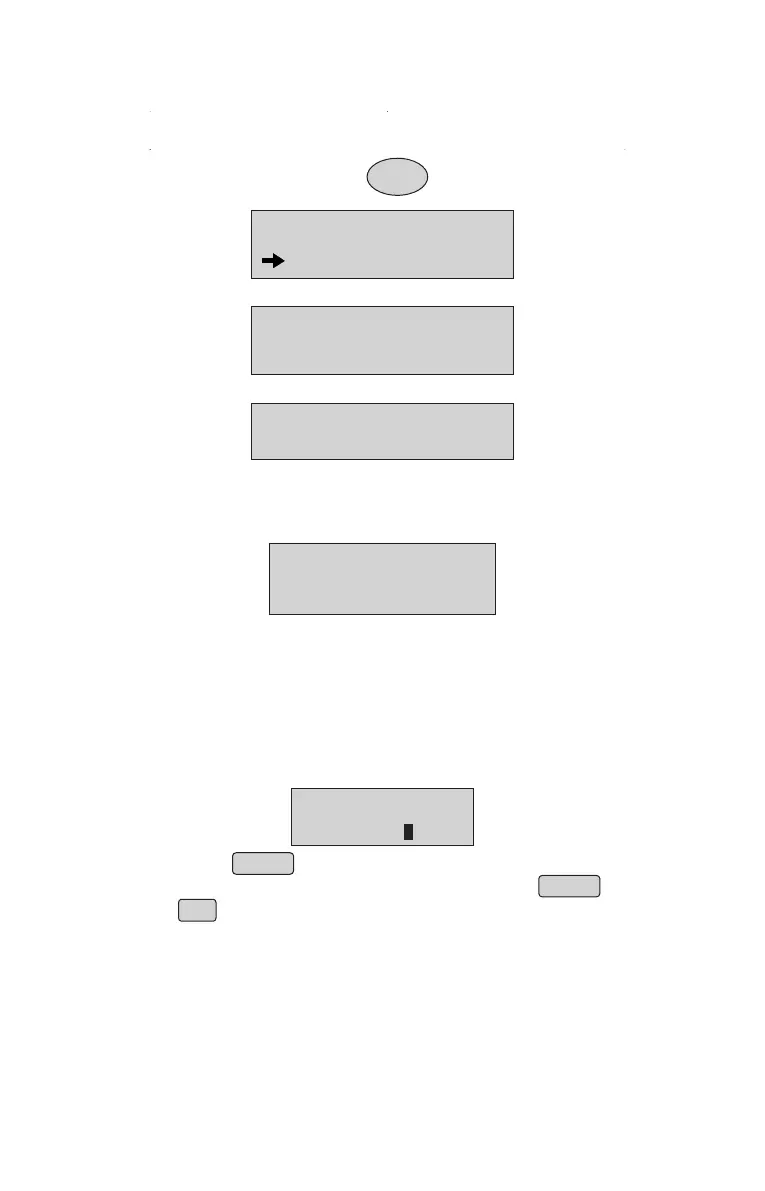
• Switch ON the Printer holding the FEED button.
Display shows:
• Ensure BP- JOY Pro driver installed and should be selected as default.
• Create database and download it using Pen Drive.
• Connect Pen Drive to the machine & press ENTER on confirmation field.
• Then the unit reinitialses.
• Now product is ready for use.
PROGRAMMING..
WAIT...
4.5 How to Operate ? - Billing Options
Billing Option 1 : Billing by quantity option
• Enter the item number, item name will be displayed
and press ENTER to proceed
• If you want to modify the item number before pressing ENTER
use (backspace).
áß
DATA DOWNLOAD
PROGRAM DOWNLOD
• Select Data Download mode and press ENTER key.
PRESS ENTR/CNCL
PRG DOWLOAD MODE
• Press ENTER key, Display will show;
WAITING FOR DATA
Select PD to JOY Pro Option, then select Update Item DB Option.•
• Press Enter when “REGISTER” is displayed on the display.
next to the number
ITEM NO:1
RICE
6



 To Next Page