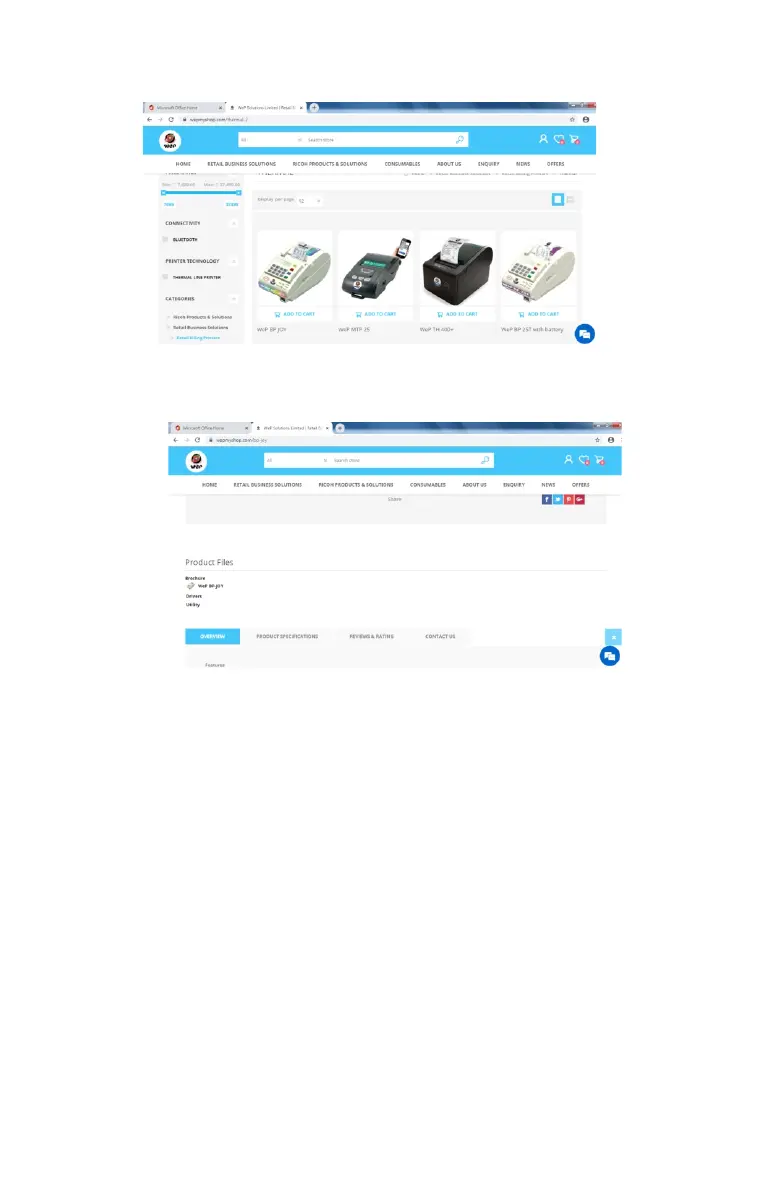
4 Scroll down and find Product files option just above overview option.
5. Click on Drivers, Utiltiy or User manual whichever you want to download.
3.0 SAFETY PRECAUTIONS
Please read the manual before using the
•
• Ensure that the protective materials are removed before installation.
• Do not expose your to direct sunlight, excessive heat, moisture or
product.
product
dust.
• In case of printing abnormality, do not dismantle any part from . Call
your nearest Authorised Service Provider listed in Warranty Booklet.
product
Do not insert or remove the interface cable when the is in
ON condition.
Do not insert or remove the interface cable when the is in ON
condition during program download.
•
•
product
product
4.0 OPERATIONS
4.1 Connecting the Power Supply
This product is being equipped with an external Power Adaptor,
which works under the following conditions.
• Nominal Voltage : 220 VAC
• Voltage range : 150 to 270 VAC
• Frequency : 47 to 53 Hz
Pro
4



 To Next Page