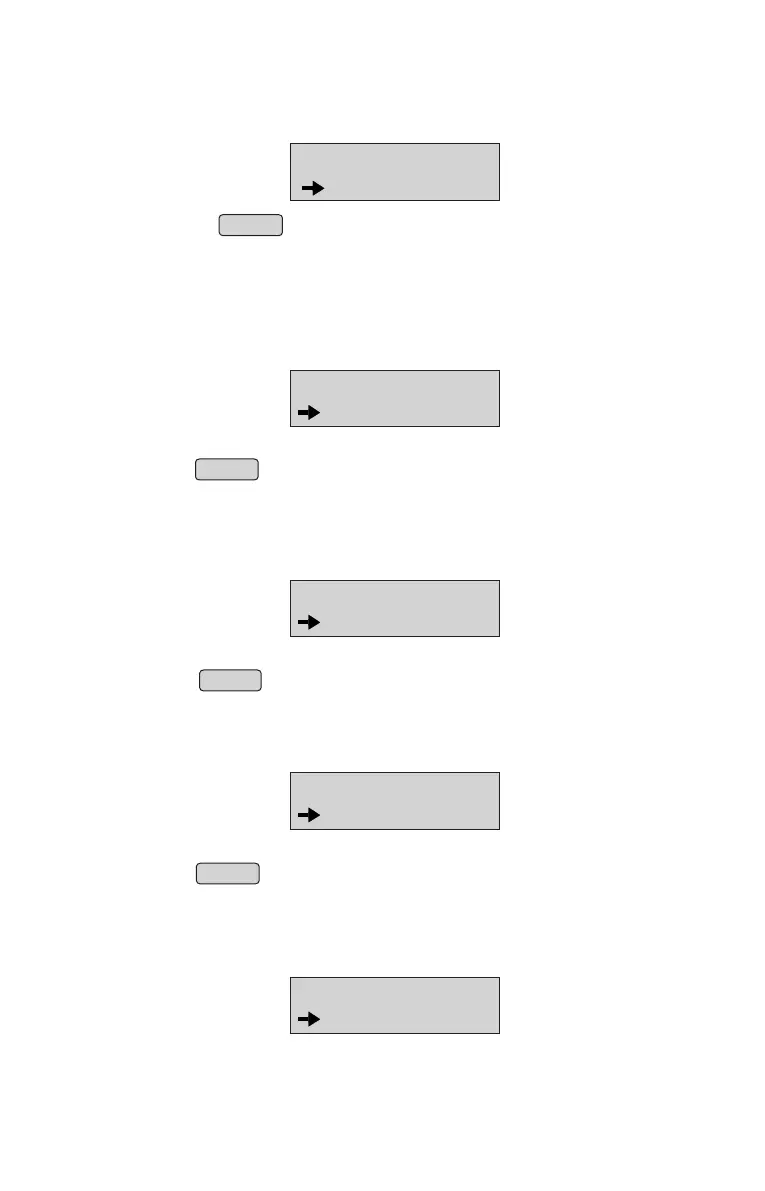
Print database through Panel
• From Menu, select “PRINT ITEM DB” option
(Refer Menu structure for more details).
• Press ENTER to print all the items stored in the Database.
Note : Database printing will have rate printing as per rate slabs configured recently.
ITEM DATABASE
PRINT ITEM DB
Printing Bill wise Report
• From Menu, select “BILL WISE REPORT”
• Select the current or previous day using up or down arrows.
• Press ENTER to print current or previous day Bill wise sales report.
↑ ↓
Printing Void bill report
• From menu, select “VOID BILL REPORT” option
(Refer Menu structure for more details).
• Select the current or previous day using up or down arrows.
• Press ENTER to print current or previous day Void bill report.
Printing Item wise report
• From Menu, select “ITEM WISE REPORT” option
(Refer Menu structure for more details).
• Select the current or previous day using up or down arrows.
• Press ENTER to print current or previous day Item wise sales report.
↑ ↓
↑ ↓
BILL WISE REPORT
CURRENT DAY
7.0 DETAILED REPORTS
ITEM WISE RPT
CURRENT DAY
VOID BILL RPT
CURRENT DAY
Printing USER BILLED report
• From menu, select “USER BILLED RPT” option
(Refer Menu structure for more details).
USER BILLED RPT
CURRENT DAY
14



 To Next Page