• Select the current or previous day using up or down arrows.
• Press ENTER to print current or previous day Void bill report.
↑ ↓
Enter a valid User id and press ENTER key.•
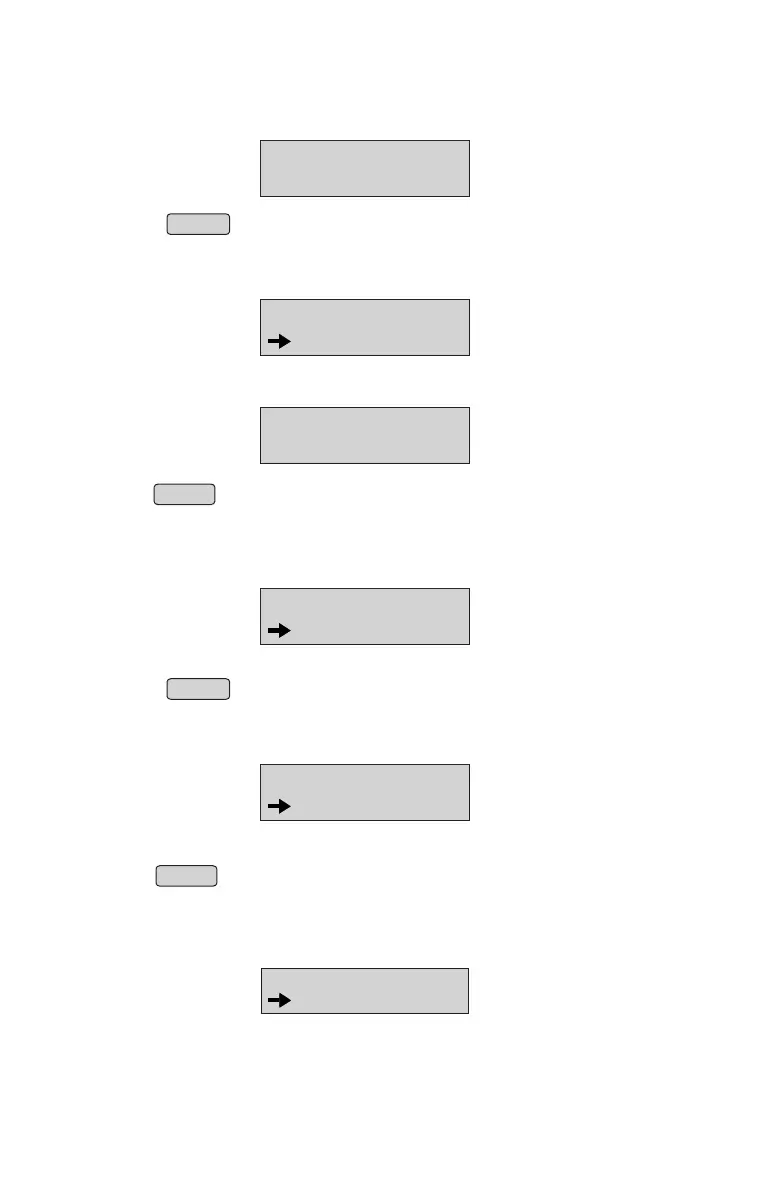
USER BILLED RPT
USER ID:_
Printing Item bill Report
From menu select “Item bill Report” option (Refer Menu structure for more details).
• Select the current or previous day using up↑or down ↓ arrows.
• Press ENTER to print current or previous day Item bill report.
ITEM BILLED RPT
CURRENT DAY
Enter a valid Item no and press ENTER key.•
ITEM BILLED RPT
ITEM NO:_
Printing Duplicate bill report
• From Menu, select “DUPLICATE BILL REPORT” option
(Refer Menu structure for more details).
• Select the current or previous day using up or down arrows.
• Press ENTER to print current or previous day Duplicate bill report.
↑ ↓
DUP BILL RPT
CURRENT DAY
Printing Calculator Bill Report
From Menu select “Calculator Bill Report” option (Refer Menu structure for more details).
• Select the current or previous day using up↑or down ↓ arrows.
• Press ENTER to print current or previous day calculator Bill report.
CALC BILL RPT
CURRENT DAY
Printing Taxwise Day Report
From Menu select “TAX wise day Report” option (Refer Menu structure for more details).
TAXWISE DAY REPT
CURRENT DAY
15



 To Next Page