5.0 MENU
•
Press MENU for viewing the Menu options from Item No entry mode.
• Use up arrow or down arrow (á or â ) to browse through the Menu options.
• Press MENU or CANCEL to exit from Menu mode.
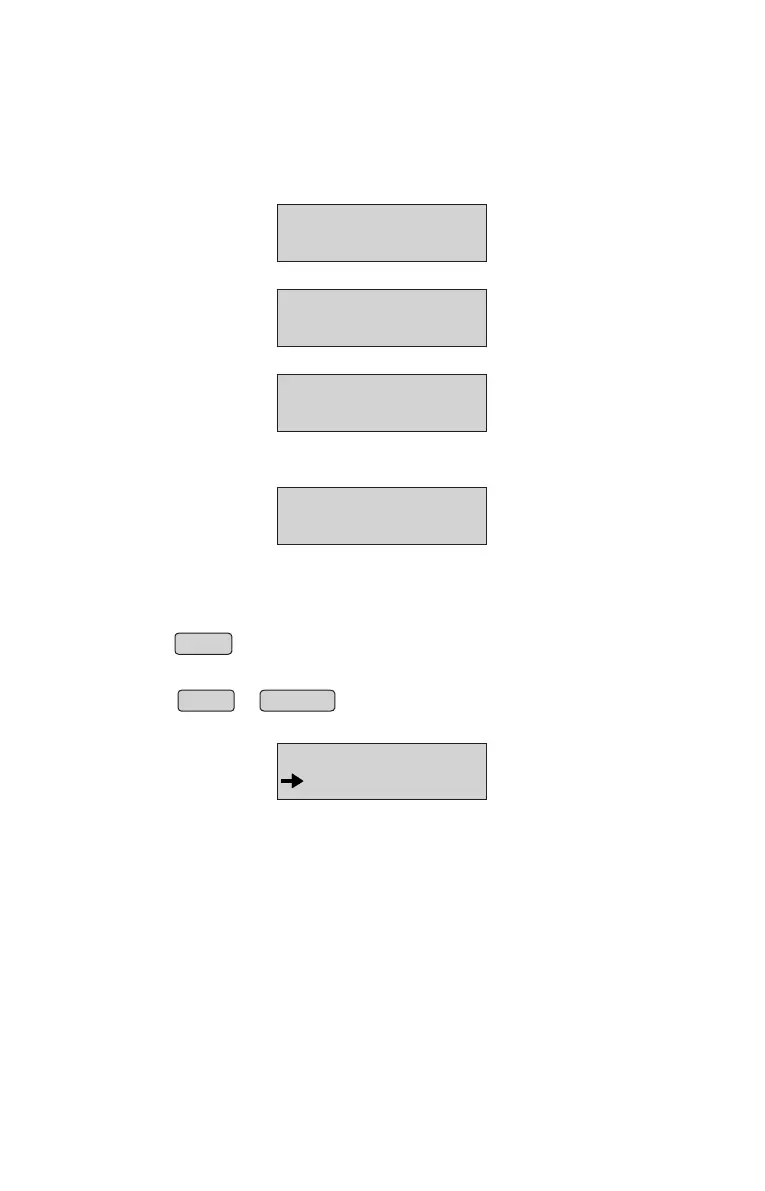
• When menu button is pressed, Panel will display
• Use up arrow or down arrow ( or ) to browse the Menu structure.↑ ↓
MENU
ITEM DATABASE
Void Billing:
• Press CANCEL key from Home Screen, panel will display;
VOIDING BILL
FROM BILL: _
• Enter a valid From Bill No and press ENTER key, panel will display;
TO BILL: _
• Enter a valid to Bill No and press ENTER key, panel will display;
PASSWORD: _
VOIDING BILL
VOIDING BILL
• Enter Password: “00000” and press ENTER key, panel will display;
• As soon as we press Enter key, a message will be displayed as;
VOIDING BILL
Bill No X voided
10



 To Next Page