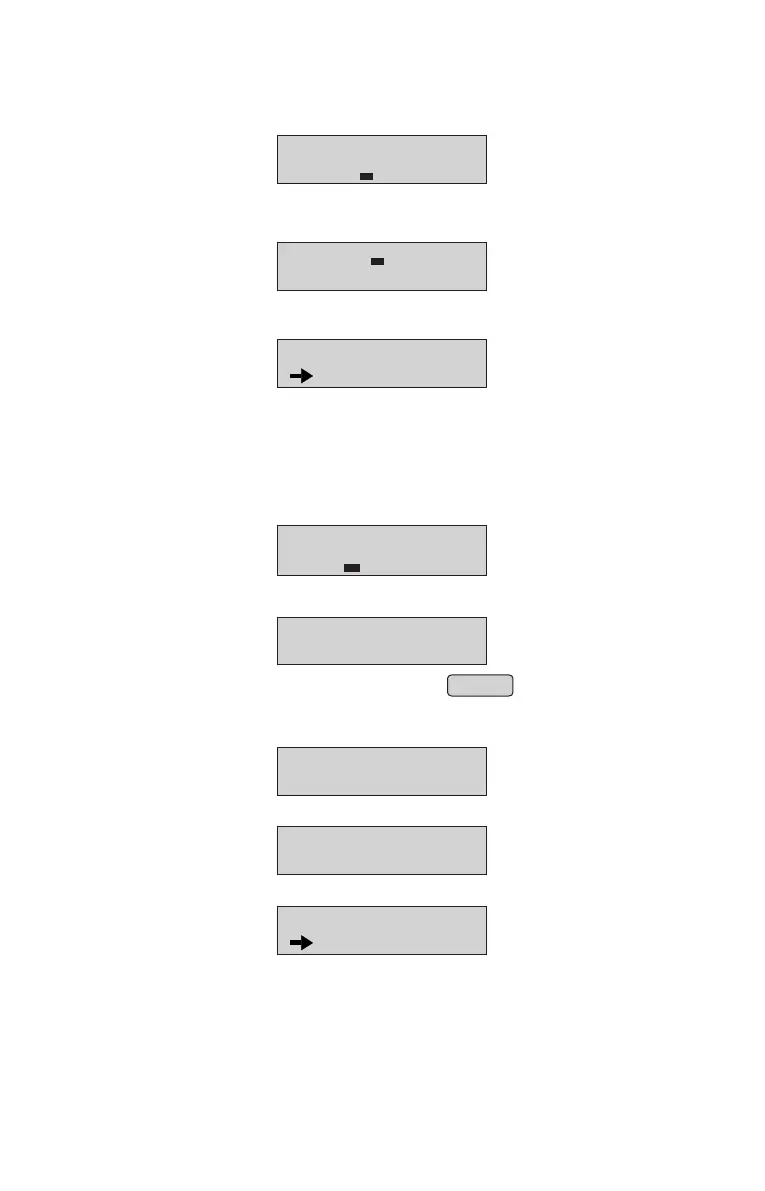
Enter Tax% & press ENTER key, display will look like;•
RATE: 100
TAX %:
DISC %:
Enter Disc% & press ENTER key, display will look like;•
Note: Maximum Tax% we can Enter is 99.99%.
Note: Maximum Disc% we can Enter is 99.99%.
Note: Maximum Rate we can Enter is 999999.99.
SELECT OPTION
CONT..
Press ENTER key to continue to add more items else press ENTER key on exit.•
Edit Items through Panel
• From Item Database, select “EDIT ITEM” option
(Refer Menu structure for more details).
• Panel will display
• Edit the item name and Unit(if required) press ENTER .
EDIT ITEM DB MODE
NO :
• Enter Item Number which is already present & press ENTER key LCD will display
NAME: RICE
UNIT: Kg
NOTE: Maximum 16 character are allowed for Item Name.
Press ENTER key, display will look like;
RATE: 100.00_
TAX %: 5.00
•
Edit Rate & TAX (if required) press ENTER key, display will look like;•
DISC %: 10.00_
Edit Discount% (if required) press ENTER key, display will look like;•
SELECT OPTION
CONT..
Press ENTER key to continue to edit more items else press ENTER key on exit.•
13



 To Next Page