THE DASHBOARD AT A GLANCE
22
MY CLOUD USER MANUAL
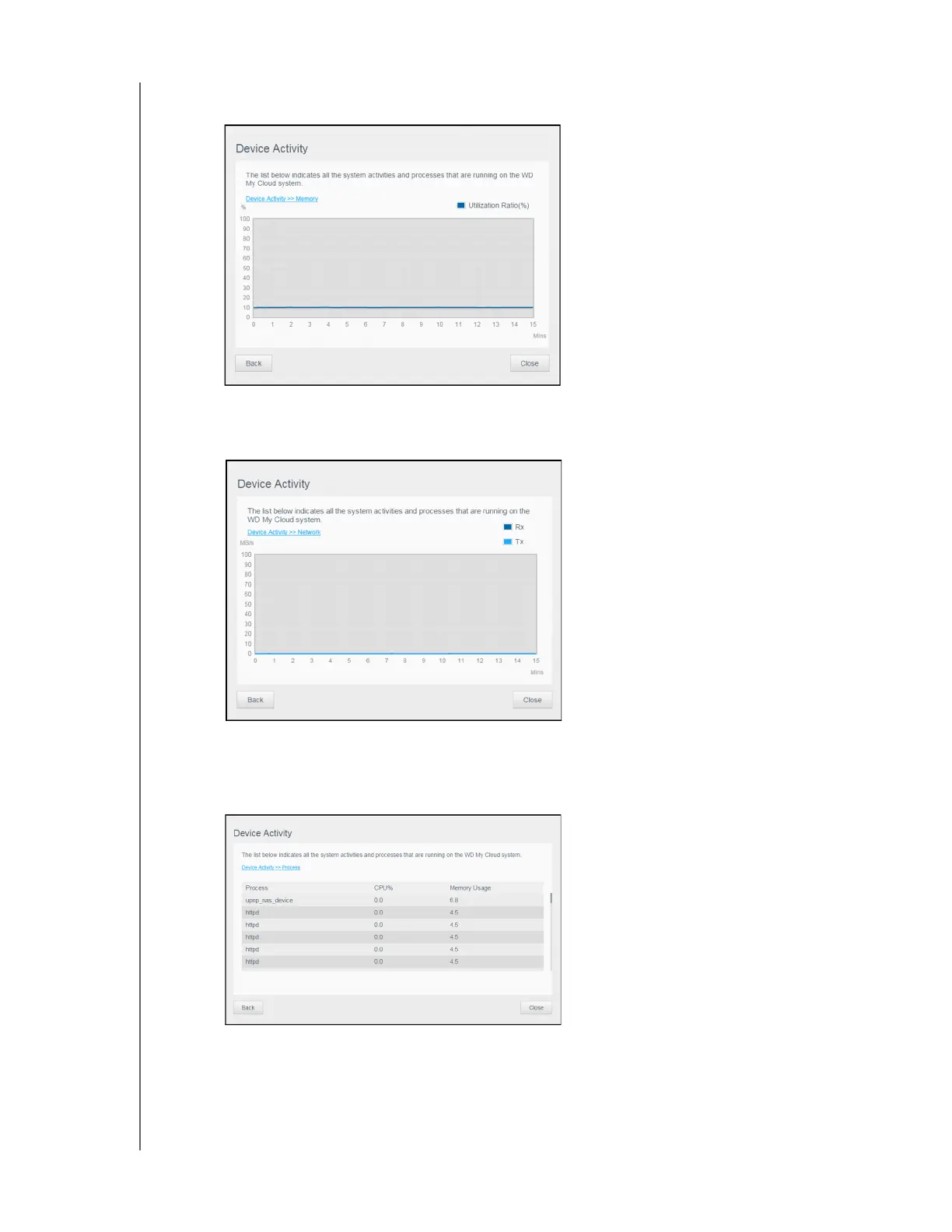
Memory: In the Device Activity window, click the right arrow to view Memory activity.
Click Back to return to the Device Activity pane. Click Close to return to the Home page.
Network: In the Device Activity window, click the right arrow to view the network
activity. Click Back to return to the Device Activity pane. Click Close to return to the
Home page.
Process: In the Device Activity window, click the right arrow to view the process
information, including the list of active processes and the amount of CPU and Memory
usage for each process
. Click Back to return to the Device Activity pane. Click Close to
return to the Home page.















 To Next Page