THE DASHBOARD AT A GLANCE
23
MY CLOUD USER MANUAL
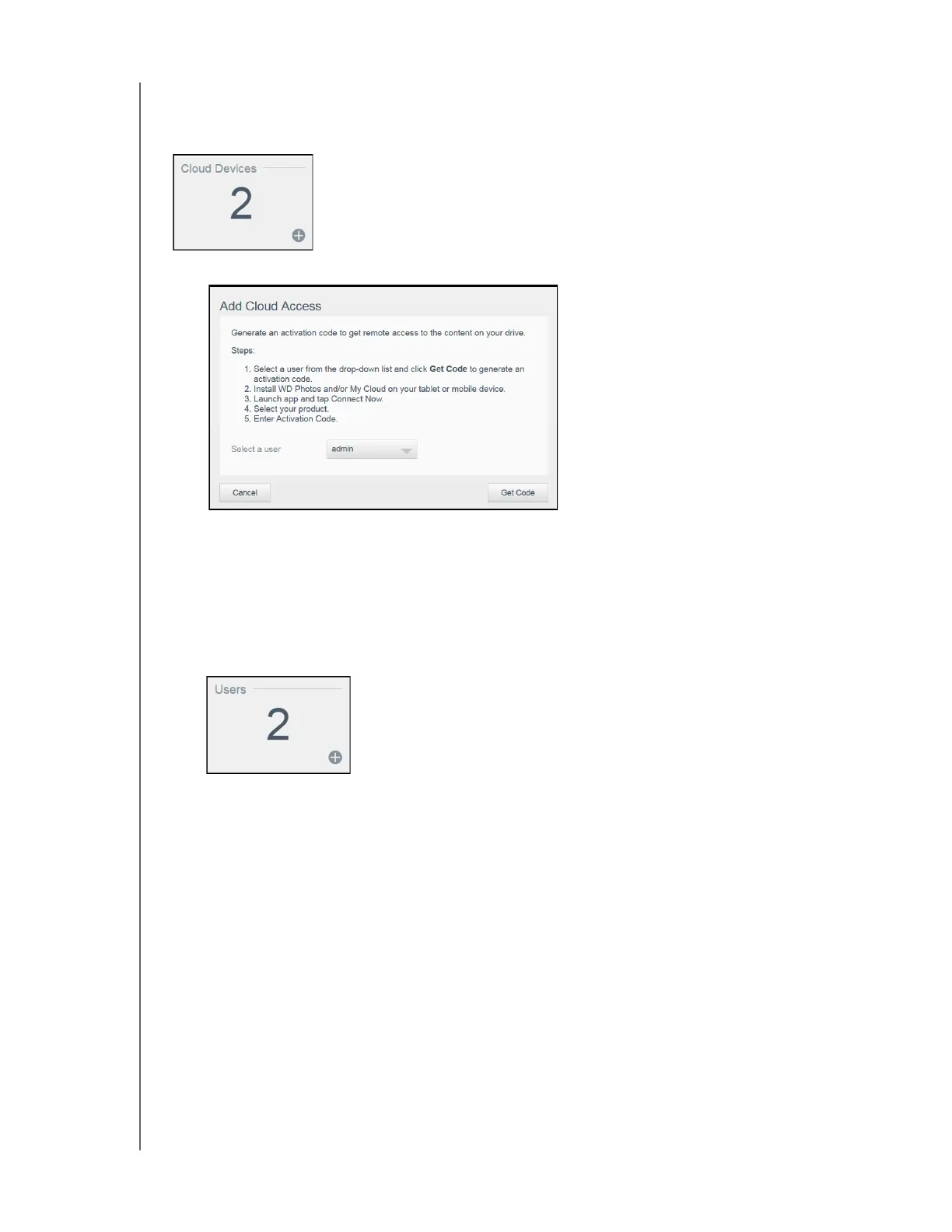
Cloud Devices
The Cloud Devices panel displays the number of cloud and smart devices currently accessing the
My Cloud device remotely.
1. To add cloud access for a user, click the plus sign (+) in the lower-right area of the panel.
2. Select a user from the drop-down menu.
3. To generate an activation code for the selected user, click Get Code.
4. Follow the page instructions to connect your tablet or mobile device to the My Cloud device.
Click OK to close.
Users
1. The Users panel displays the number of users currently set up to use the My Cloud device.















 To Next Page