THE DASHBOARD AT A GLANCE
19
WD CLOUD USER MANUAL
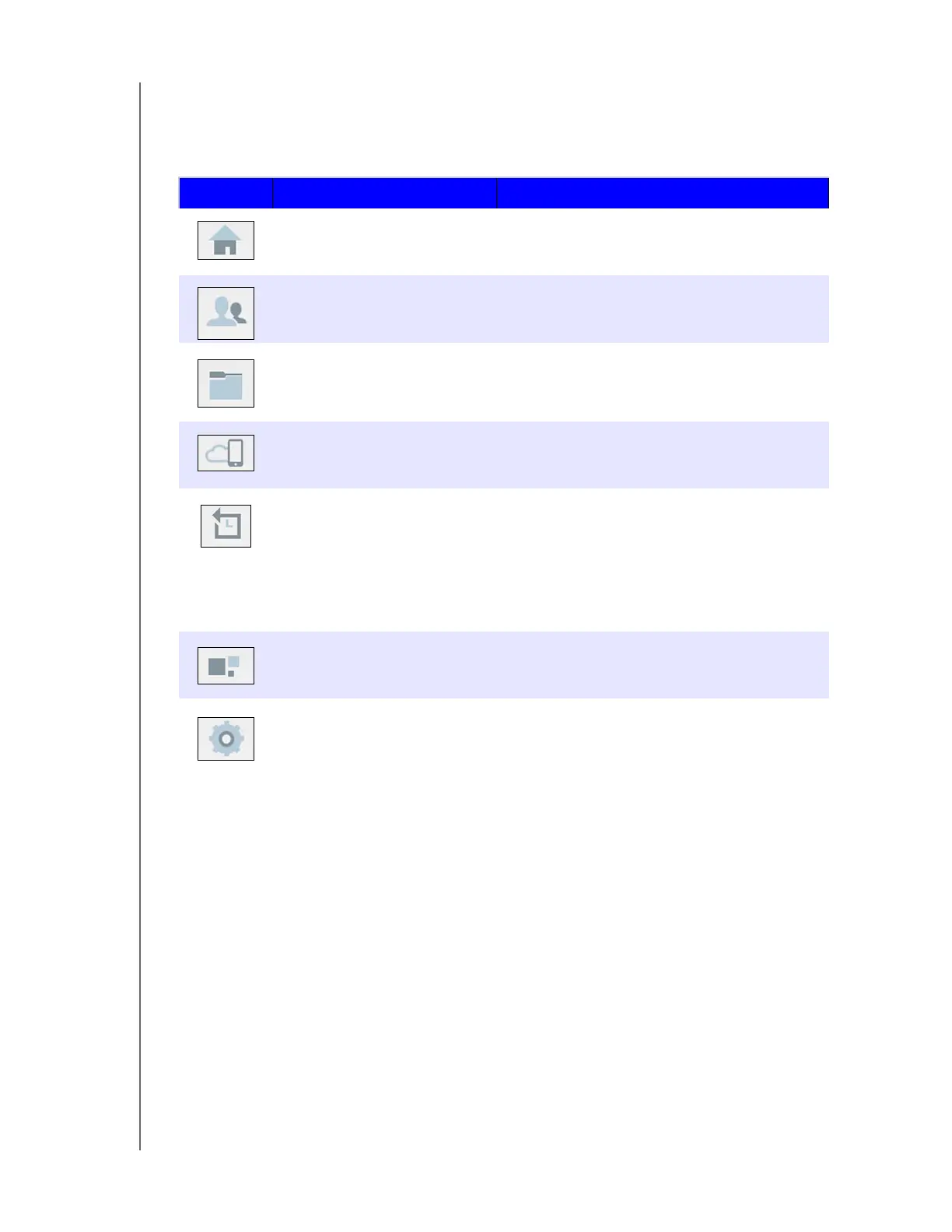
Navigation Icons
The Navigation Icons provide access to the various features and settings of your WD Cloud
device.
Icon Name Actions
Home An instant overview of the status of the device’s
main functions and provides links for updating
those settings.
Users Create, change, and delete user accounts.
Grant users full or limited access to particular
shares.
Shares Create, change, and delete shares and grant
specific user accounts full, limited, or no
access to particular shares.
Cloud Access Set up, change, and remove remote cloud
access to particular shares. Monitor remote
access status.
Backups Create backups to:
• A USB drive.
• Another WD Cloud device on or outside of
your network.
• Another location on your WD Cloud device.
• Your WD Cloud device from a camera.
Apps Add or remove various apps that allow you to
use your device more productively.
Settings Configure advanced settings for your WD
Cloud device, including:
• General device settings.
• Network configurations.
• Media options.
• Device utility tasks.
• Notification settings.
• Firmware update settings.













 To Next Page