77
WD CLOUD USER MANUAL
3. Review the confirmation message and click OK. Your WD Cloud is scanned for disk
errors.
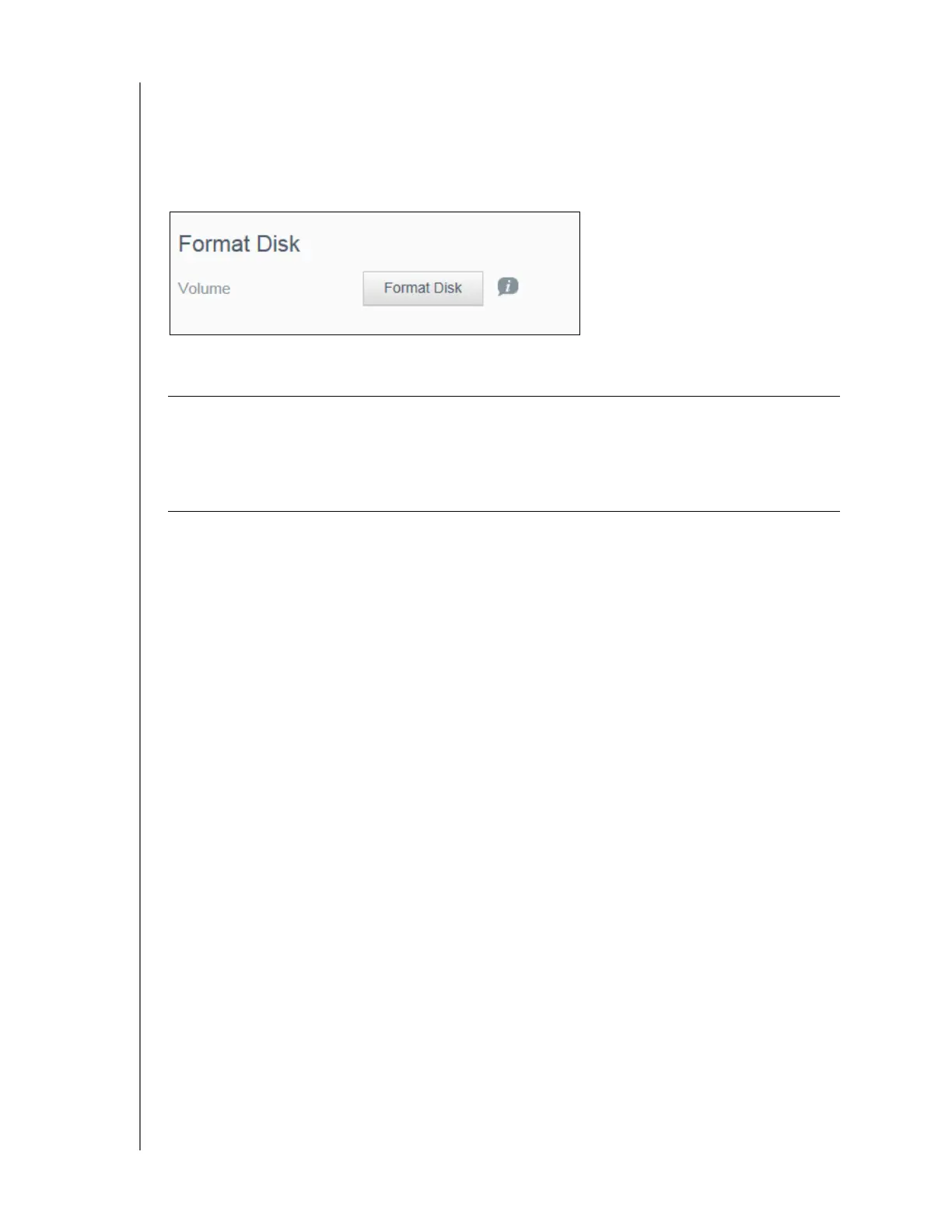
Format Disk
The Format Disk area allows you to format your device’s hard disk(s).
Formatting Your Disk
Use the following steps to format the disks on your WD Cloud device.
1. Click Format Disk.
2. Review the confirmation message, select the check box, and click OK.
Your WD Cloud begins formatting.
WARNING! The Format Disk option erases all of the user data and shares
permanently, retaining default shares. Data recovery programs
cannot be used to restore data; all user data and shares are
permanently deleted.
Formatting your disk will take several hours to complete.













 To Next Page