THE DASHBOARD AT A GLANCE
26
WD CLOUD USER MANUAL
Dismissing an Alert
1. Click the Alert icon in the upper right corner of the screen.
2. Select the delete icon next to the alert you’d like to dismiss.
3. To dismiss all alerts, click View All, then Dismiss All.
Obtaining Customer Support
To open the Support page:
1. Click the Help icon on any page to display the Help menu.
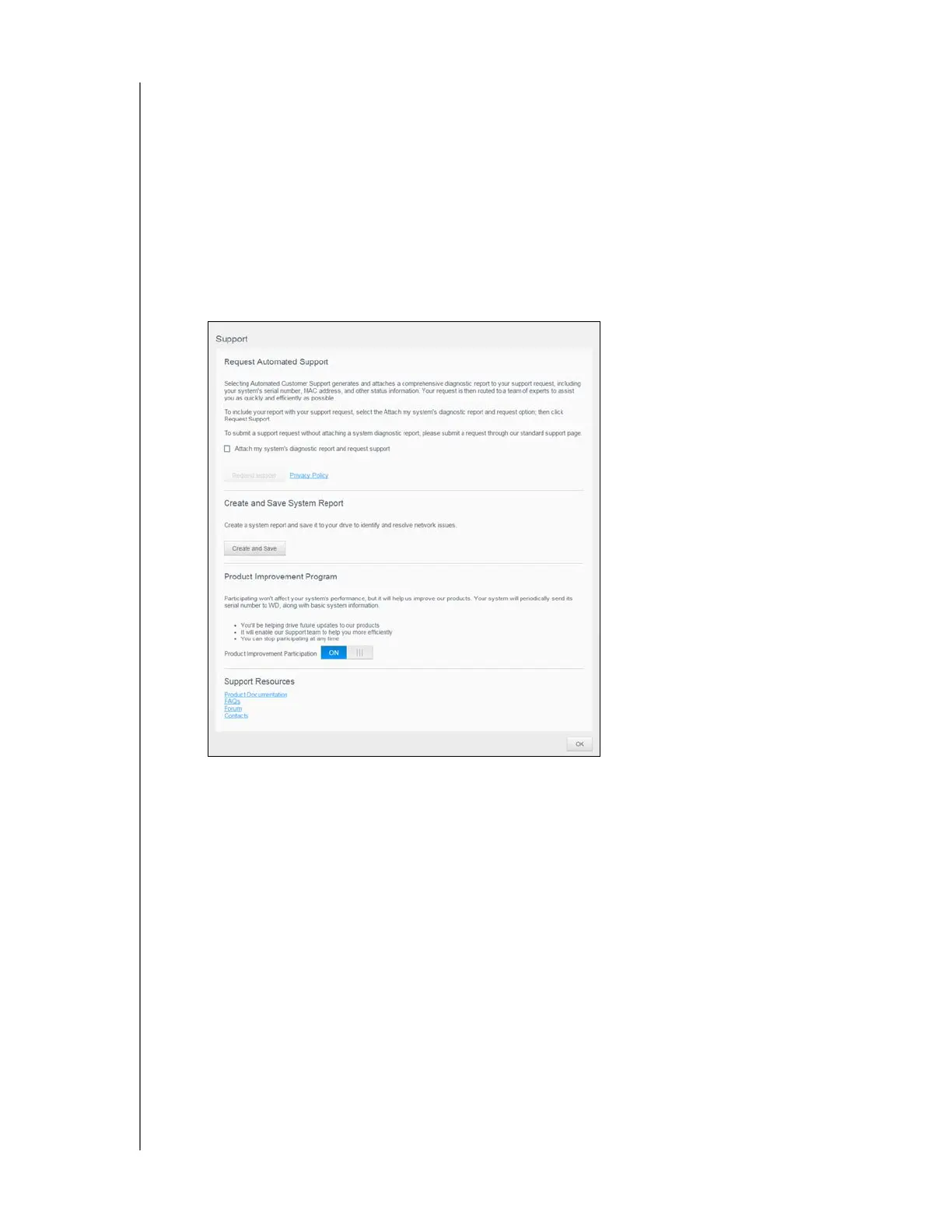
2. Click Support to display the following page:
If a problem occurs with the WD Cloud device, WD Technical Support needs information
about your device to troubleshoot and determine the best solution. There are two ways to
get your device information and request support:
Run a system report and send it to WD automatically.
Create a system report manually and send it to WD.
The Support page is also where you can help improve WD products by participating in the
Product Improvement Program.
Requesting Automated Support
In the Request Automated Customer Support section:
1. Click the Privacy Policy link to review WD's privacy policy.
2. Click the Attach my device’s diagnostic report and request support check box.
3. Click the Request Support button.













 To Next Page