APPENDICES
84
WD CLOUD USER MANUAL
Appendices
Appendix A: WD Cloud Quick User Guide
Appendix B: Safe Mode Firmware Update Procedures
Appendix C: WD Cloud Action Icons
Appendix D: WD Cloud Device URLs and Names
Appendix E: Creating a User Import File
Appendix A: WD Cloud Quick User Guide
This guide is primarily for WD Cloud users, rather than the administrator.
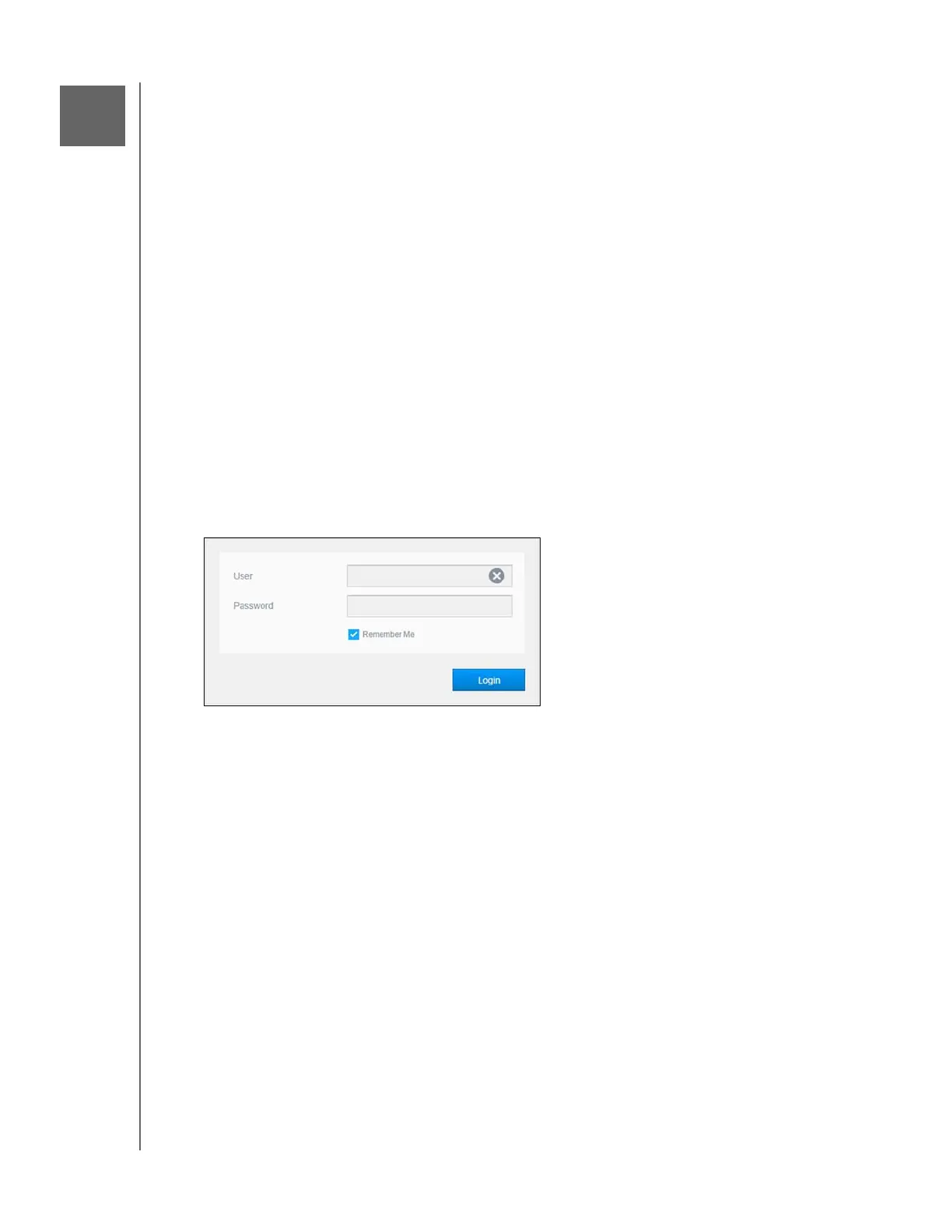
Logging into WD Cloud
1. Enter the name of your WD Cloud device (default name: wdcloud) in the browser’s
address field:
http://<device name> (Windows) (Example: http://wdcloud)
http://<device name>.local (Mac) (Example: http://wdcloud.local)
2. Click Go.
3. On the WD Cloud Login page, enter your User name and Password (the default is no
password).
4. Click Login. The WD Cloud dashboard home page appears.













 To Next Page