PRODUCT OVERVIEW
5
WD CLOUD USER MANUAL
LEDs
Front Panel Power LED
The following table describes the front panel power LED behavior.
Component Icon Description
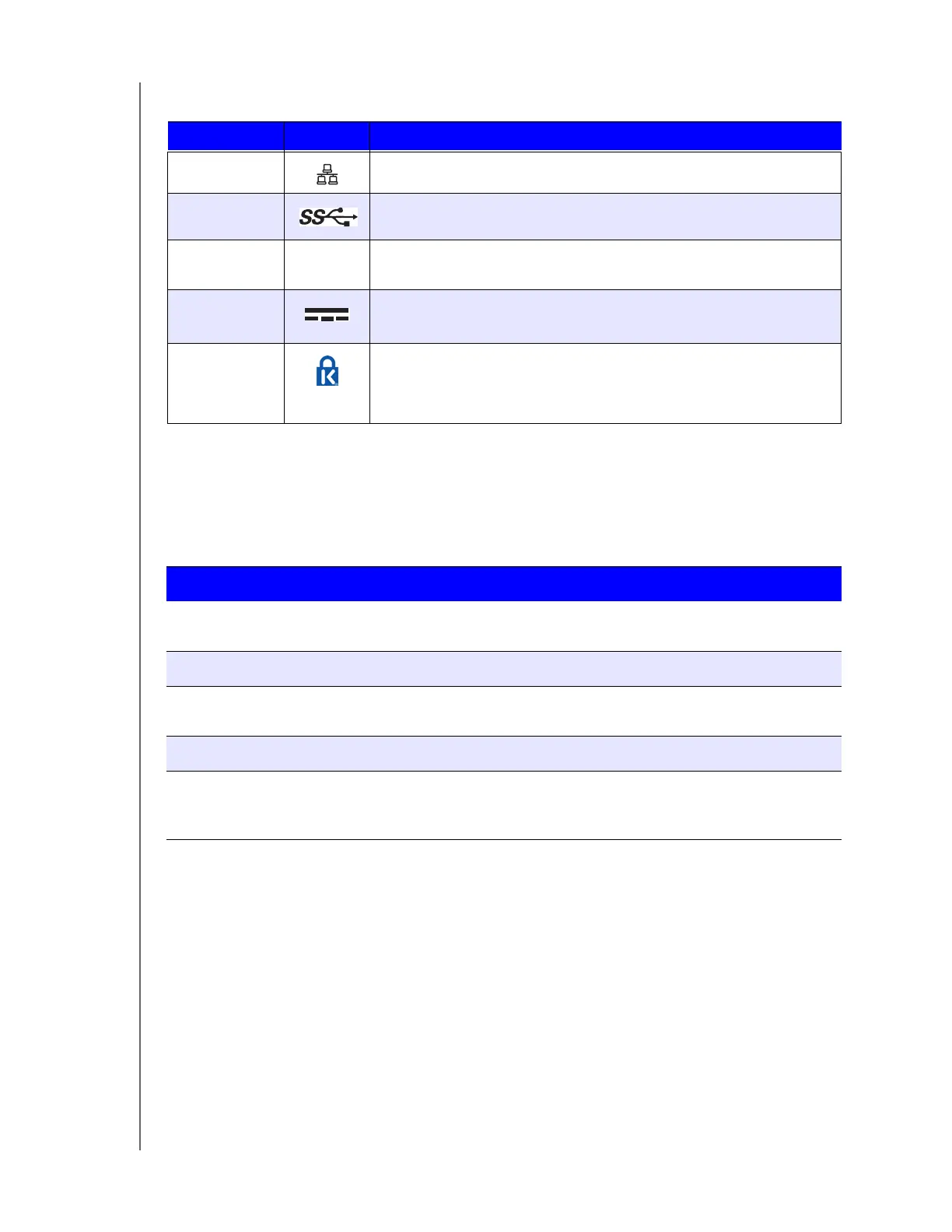
Ethernet port Connects the device to a local network.
USB 3.0 port Connects to a USB hard drive for additional storage.
Reset button
( )
Restores settings such as the Admin user name and password for
the device.
Power port Connects the device to an AC adapter and the power outlet.
Kensington
security slot
For device security, the device is equipped with a security slot that
supports a standard Kensington security cable.
Visit http://www.kensington.com/ for more information.
State Color Appearance State Description
Power Off
(DC Jack not connected)
Not lit N/A Drive is off.
Standby Blue Pulsing Drive is in standby mode.
Powering Up Blue Blinking Device is powering up or in the process of
updating the firmware.
Powered Up Blue Solid Device is in a powered up/Ready state.
Action required Red Blinking A condition, such as a network cable
having become unplugged, which requires
you to act.













 To Next Page