APPENDICES
94
WD CLOUD USER MANUAL
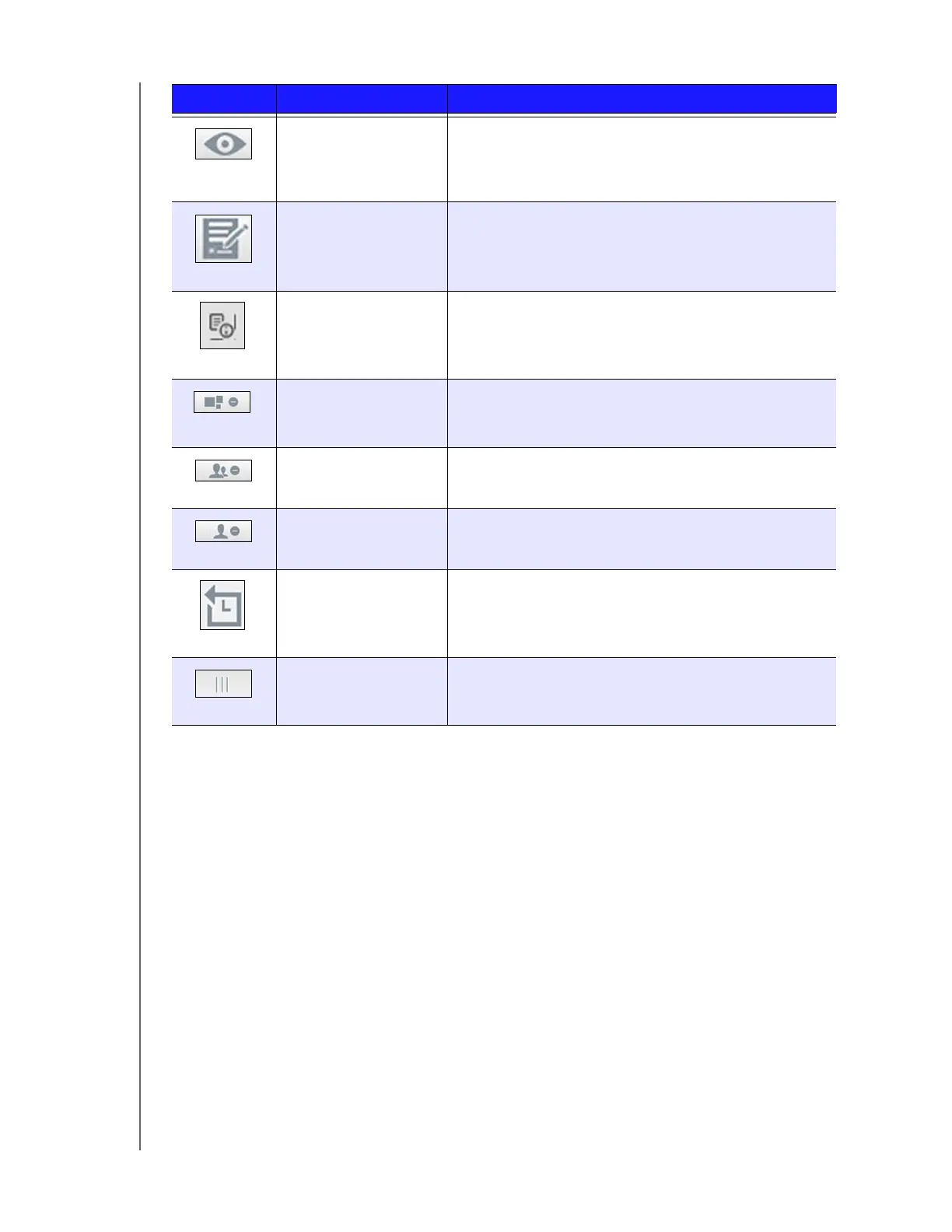
Read Only Access Provides the user/group account with read only access
to the selected share. The user/group member can
view the share but can't update it.
Read/Write Access Provides a user or group account with read/write
access to the selected share. The user/group members
can view and update the share.
Recover Select this option to recover a remote backup.
Remove an App Select this option to delete an app from your
WD Cloud device.
Remove Group Select this option to remove a group from your device
Remove User Select this option to remove a user from your device.
Start Backup Select this option to start a device backup.
Toggle Allows you to turn a feature on or off.
Icon Button Name Actions













 To Next Page