SETUP MENUS
26
English
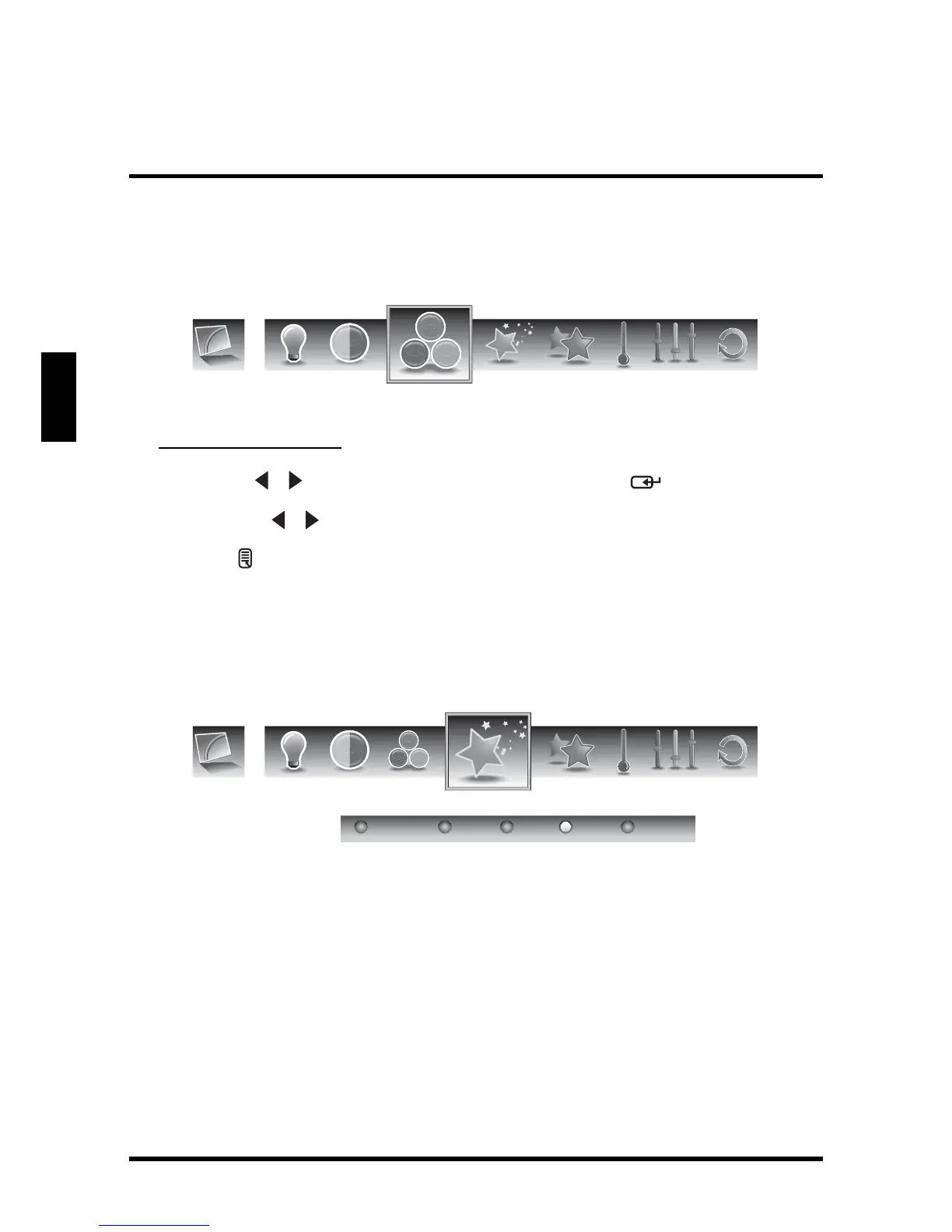
Saturation
Use Saturation to adjust the color intensity.
Adjusting Saturation
1
Use the
/ keys to select Saturation and press .
2 Press the / keys on the remote control to adjust the saturation level.
3 Press to save and exit the screen.
Video Presets
Use this sub-menu to select one of four preset view options optimized for different
viewing conditions.
The following options are available:
• Showroom: Uses increased color and sharpness for a vibrant picture
display.
• Movie: Images are displayed as accurately near to its original recording
condition.
• Game: Uses increased brightness and response time level for enjoying
video games.
• Sports: Uses high contrast display for clear-cut images ideal for viewing
sports events.
• Custom: Uses the customized settings.
Saturation
Video Presets
Showroom Movie CustomGame Sports




 To Next Page