SETUP MENUS
25
English
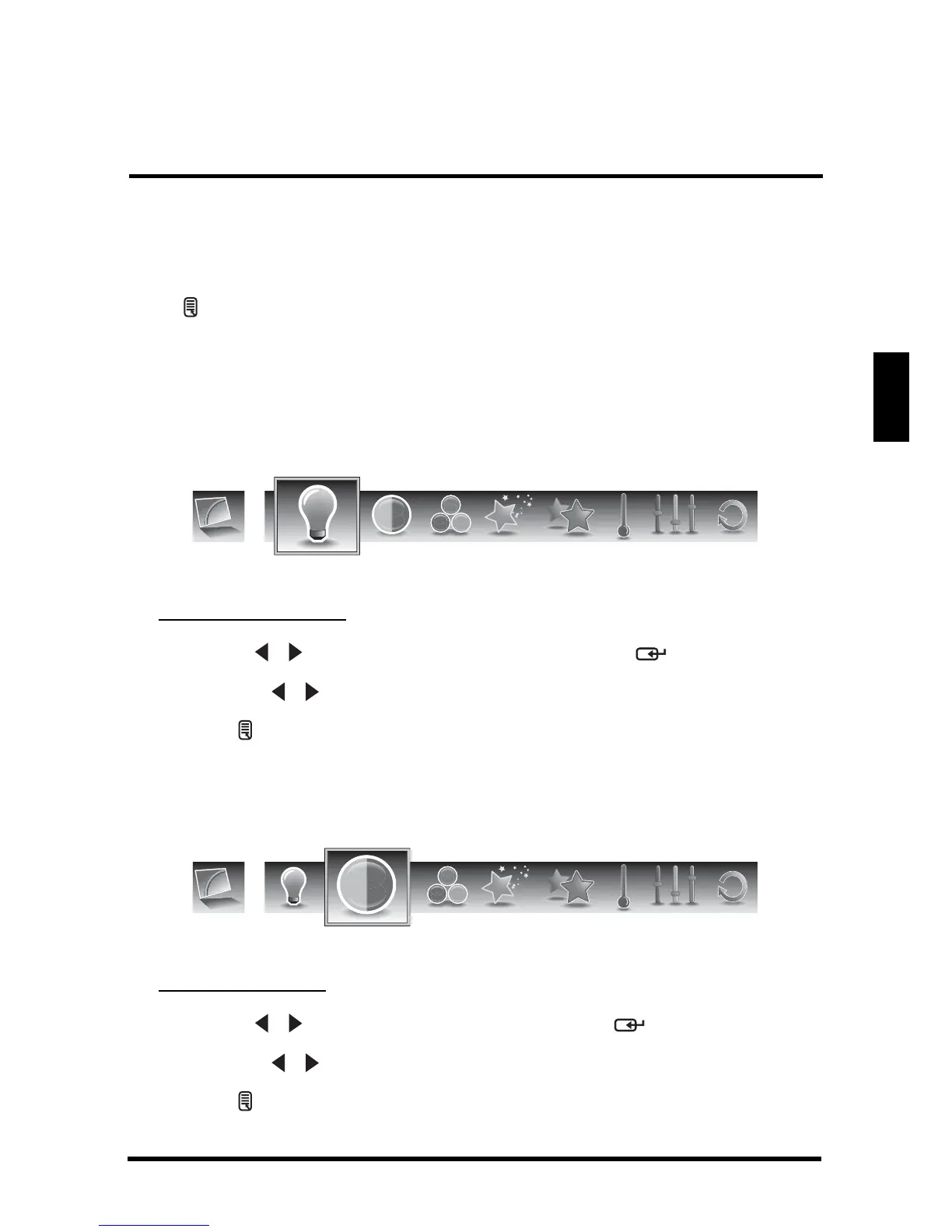
PICTURE
Use the Picture sub-menus to configure the display quality.
Press on the remote control or MENU on the control panel to display the setup
menu screen then select Picture to display the Picture sub-menu. The following
options are available: Brightness, Contrast, Saturation, Video Presets, Sharpness,
Color temperature, Hue, and Reset.
Brightness
Use Brightness to adjust the luminance level.
Adjusting Brightness
1
Use the
/ keys to select Brightness and press .
2 Press the / keys on the remote control to adjust the brightness level.
3 Press to save and exit the screen.
Contrast
Use Contrast to adjust the brightness to darkness ratio.
Adjusting Contrast
1
Use the
/ keys to select Contrast and press .
2 Press the / keys on the remote control to adjust the contrast level.
3 Press to save and exit the screen.
Brightness
Contrast



 To Next Page