SETUP MENUS
40
English
Adjusting Date and Time
1
Use the
/
keys to select
Date and Time
and press .
2 Use the
/
/
/
keys to select Date or Current Time and press .
3 Use the / keys to select a date or time segment.
4 Use the / keys to adjust the value.
5 Press to save and exit the screen.
Adjusting Daylight Saving
1
Use the
/
keys to select
Date and Time
and press .
2 Press repeatedly to check (enable) or uncheck (disable) Adjust for
Daylight Saving Time.
3 Press to save and exit the screen.
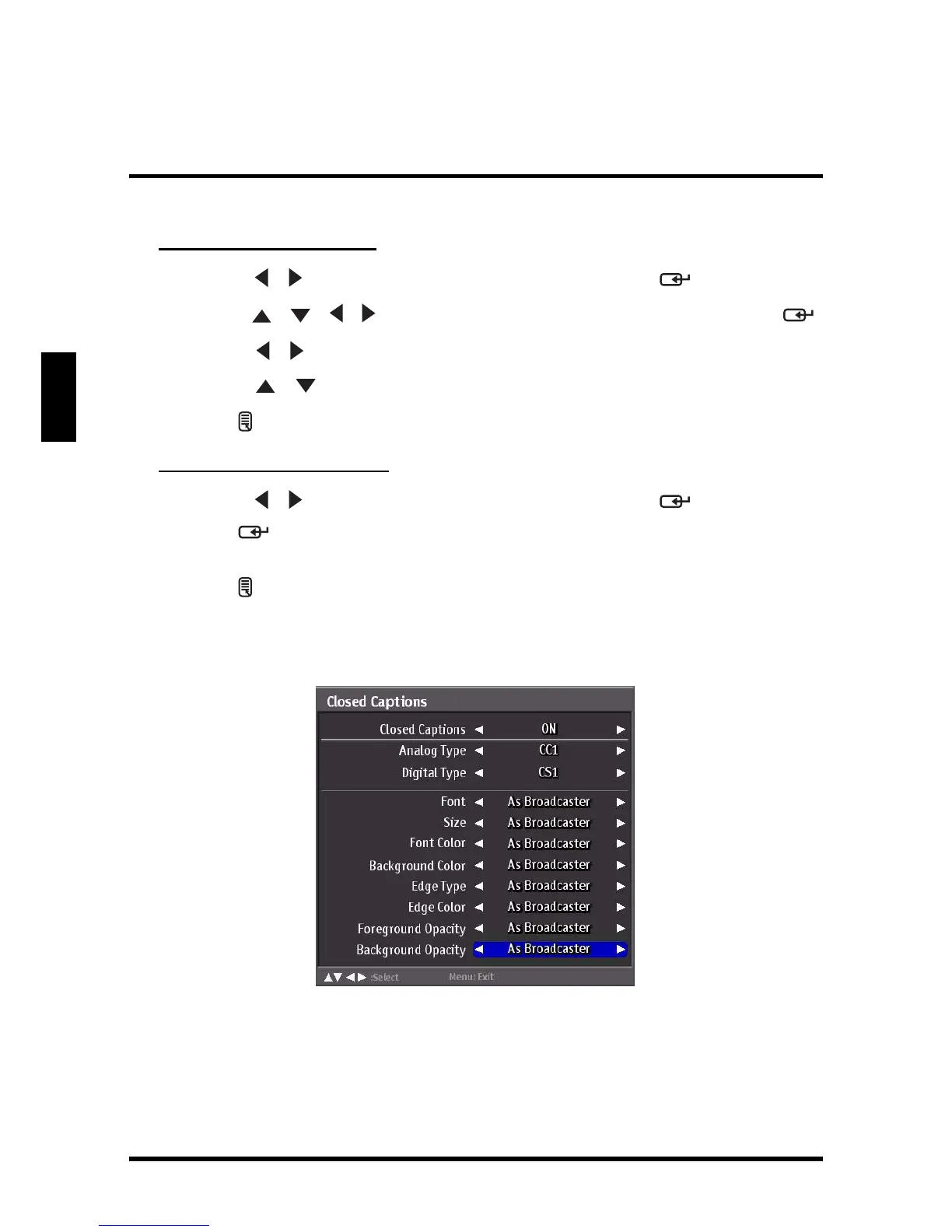
Closed Captions
Use Closed Captions to configure the settings for closed captioning in TV programs.
The following options are available:
• Closed Captions: Can be set to ON or OFF.
• Analog Type: Can be set to CC1,CC2, CC3, CC4, T1, T2, T3, or T4.
• Digital Type: Can be set to CS1, CS2, CS3, CS4, CS5, or CS6.















 To Next Page