POWER CONNECTION
20
English
POWER CONNECTION
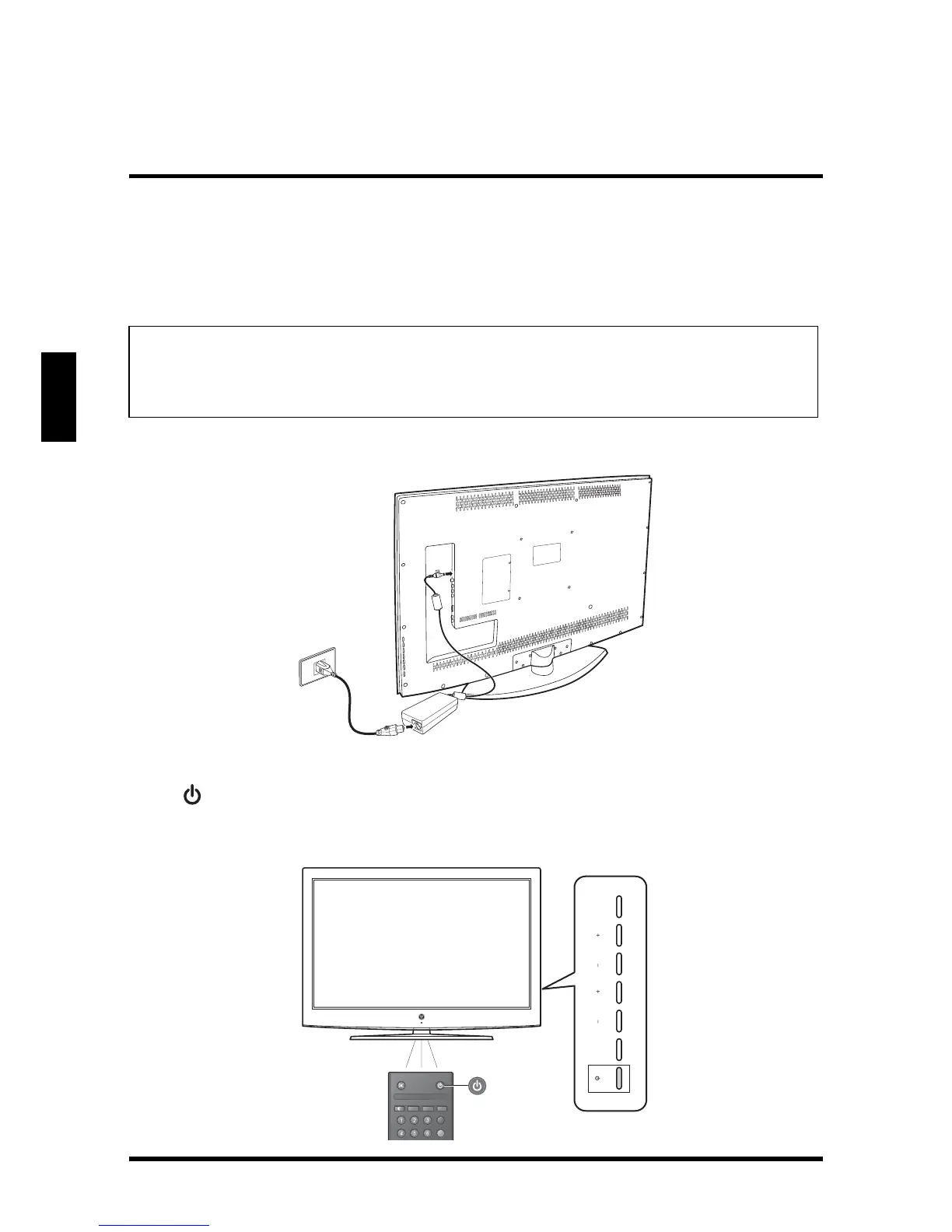
CONNECTING AC POWER
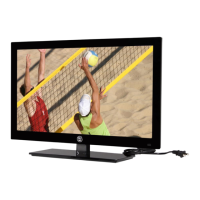
Connect the power cord of the AC to DC adapter to the LED TV then to a proper AC
outlet.
INITIAL SETUP
Press on the control panel or on the remote control to turn on the LED TV. Select
the desired language and your time zone to use the Setup Wizard. The Setup
Wizard will guide you on how to scan and store channels.
IMPORTANT:
The LED TV is designed to be powered via an AC to DC adapter. Use
ONLY the AC to DC adapter included in the package. Turn off all
connected devices before plugging the adapter into the power outlet.
MENU INPUTVOL CH
Favorite
MTS
Z
Z
Z
C.C.
A
B



 To Next Page