SETUP MENUS
38
English
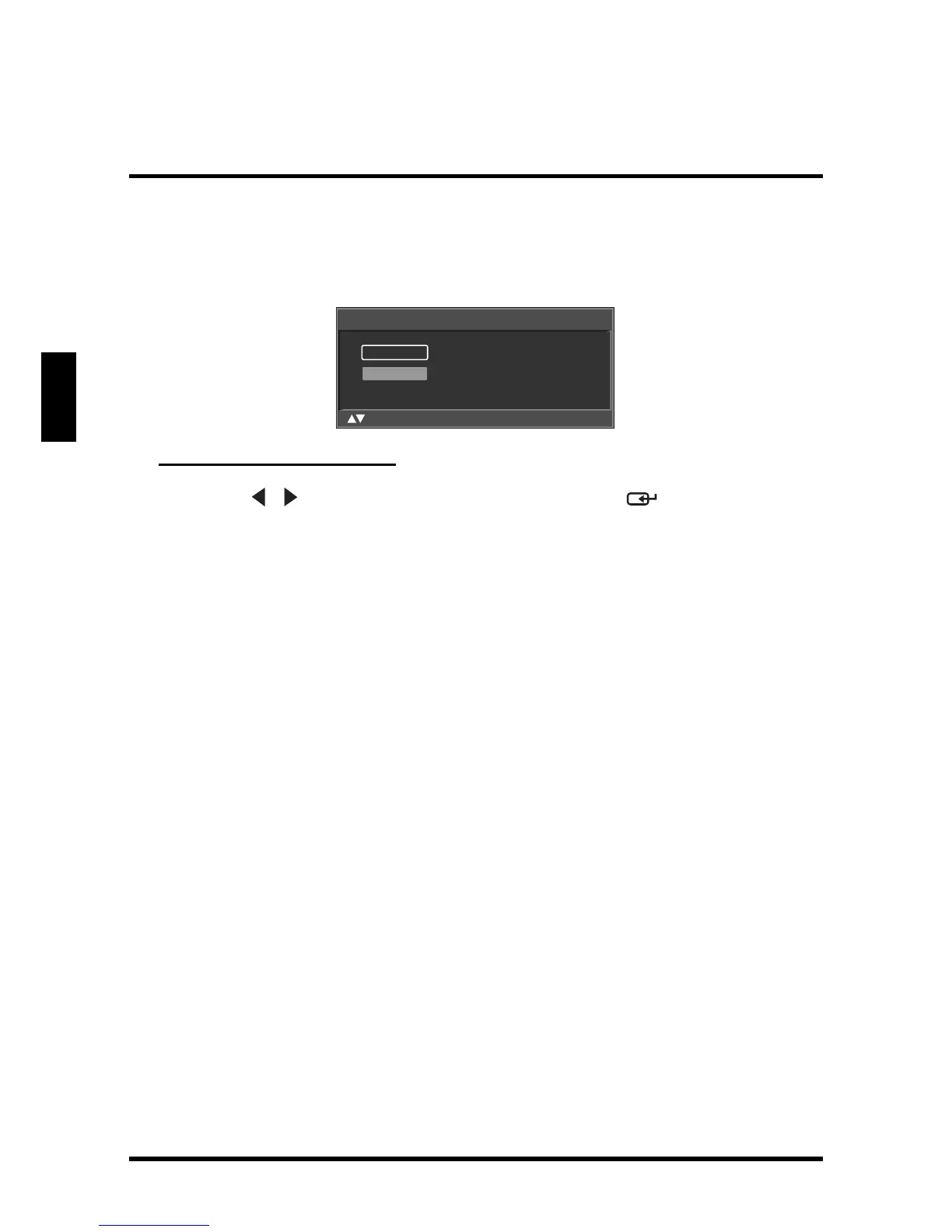
Manual Add
Use Manual Add to add channels manually.
Adding Channels Manually
1
Use the
/
keys to select
Manual Add
and press . The Channel Add
screen appears.
2 Use the Channel keys on the remote control to enter the channel number
and select Enter. Wait a few moment for the TV to search for the channel.
3 When the channel is found, you can select Add to add the channel or
select Skip to cancel.
Channel Add
_
Enter
:Select Enter: Confirm Menu: Exit







 To Next Page