SETUP MENUS
37
English
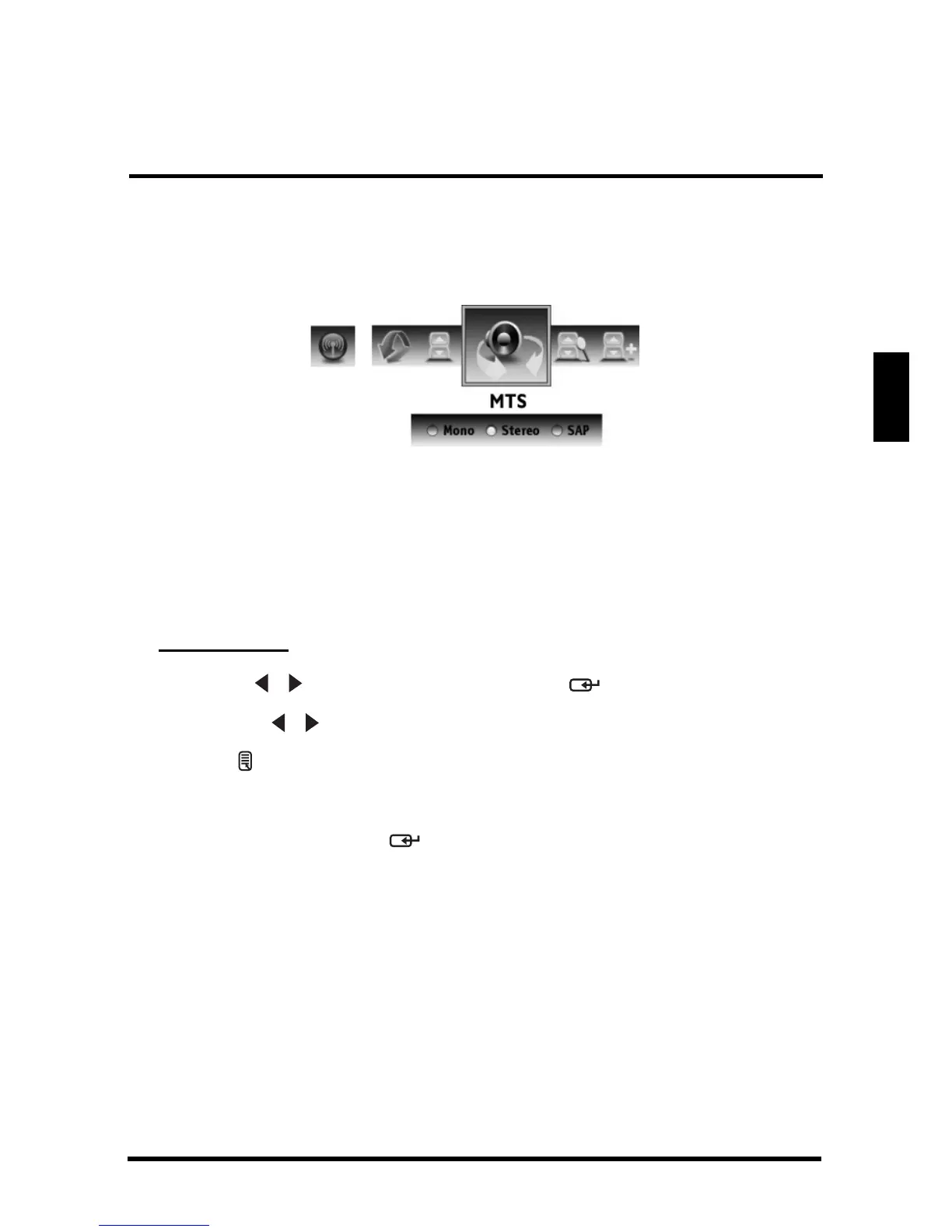
MTS
Use MTS to select multichannel television sound.
The following options are available:
• Mono: Allows mono output (useful when stereo is noisy or inconsistent).
• Stereo: Allows stereo sound for superior TV viewing experience.
• SAP: Allows second audio program from the speakers while watching a
scene in the original program.
Adjusting MTS
1
Use the
/
keys to select
MTS
and press .
2 Press the / keys on the remote control to select the desired option.
3 Press to save and exit the screen.
Auto Search
Select Auto Search and press . Two options are available:
• Cable: Choose this setting if you are receiving TV channels with a CATV
(cable TV).
• AIR: Choose this setting if you are receiving TV channels with an antenna
(over the air).
Auto Search automatically creates a list of receivable channels for the selected
source.















 To Next Page